


Wedding Organization Tips: Stay Calm, Clear, and Fully In Control
Planning a wedding feels exciting — until papers, payments, and decisions start piling up. The secret to stress-free planning isn’t doing more. It’s staying organized from day one. This guide gives you practical systems you can actually use. No complicated tools. No fluff. Just simple steps that help you stay calm, save time, and enjoy the process while everything stays in one clear place.
1. Set Up a Labeled Wedding Binder

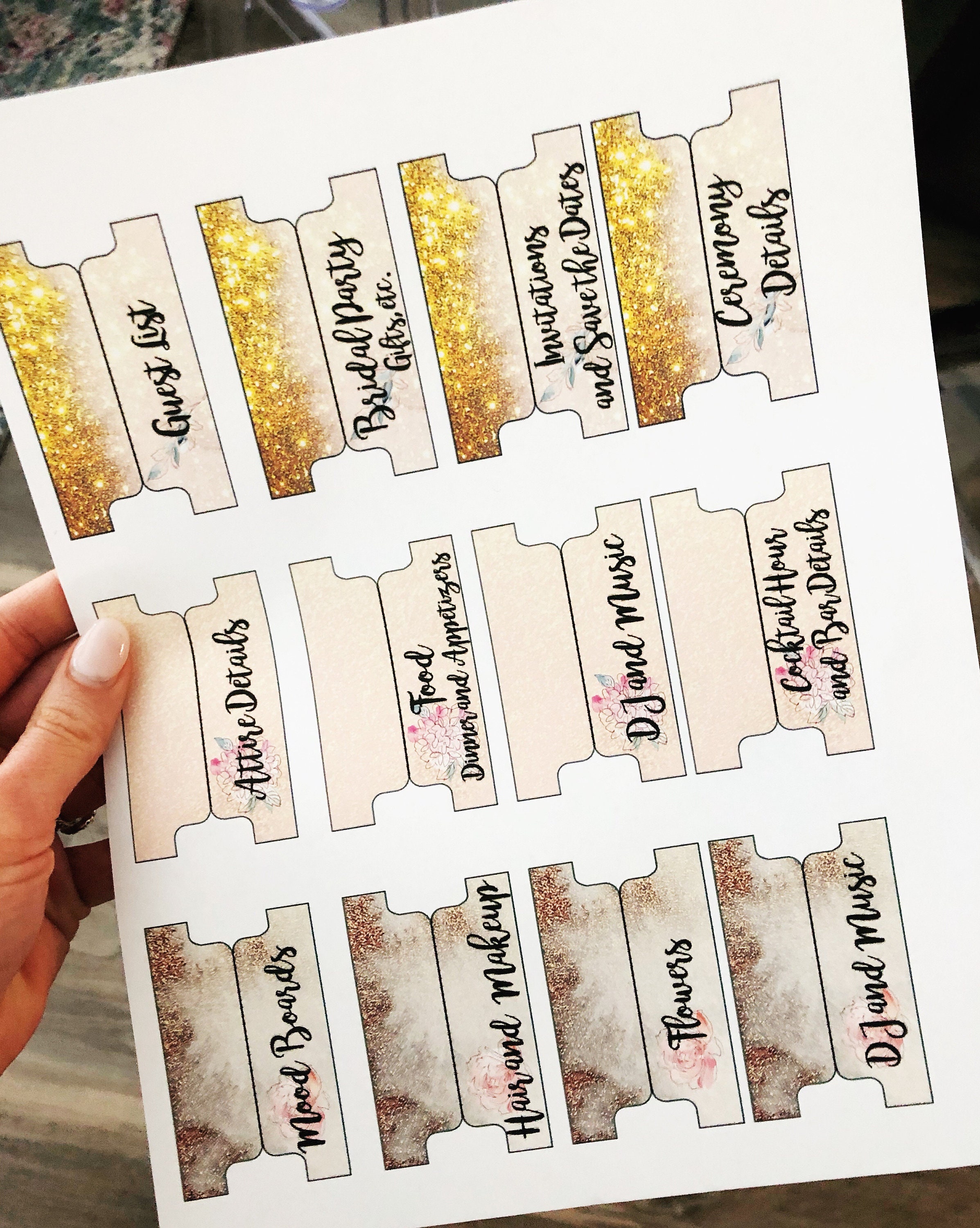
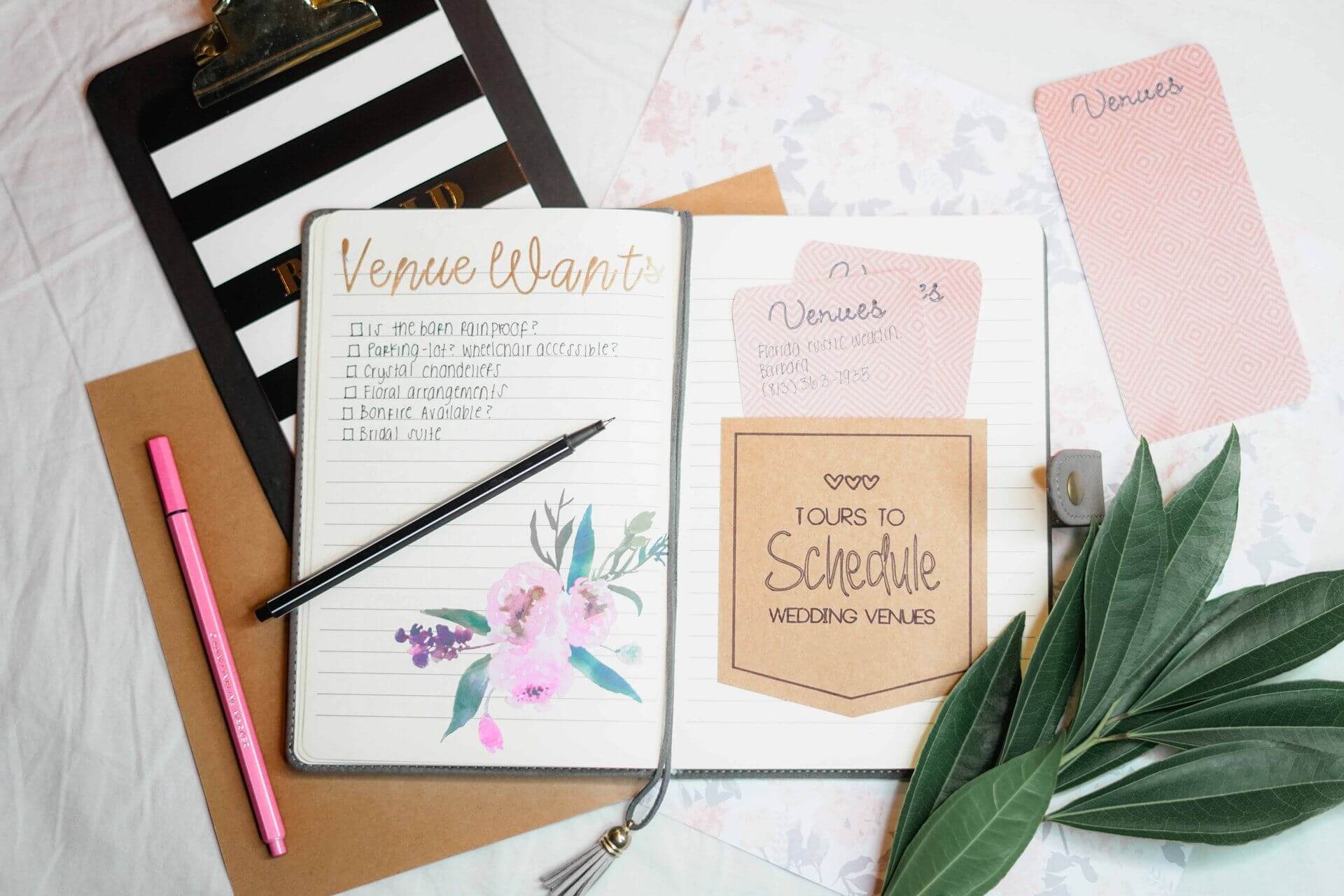
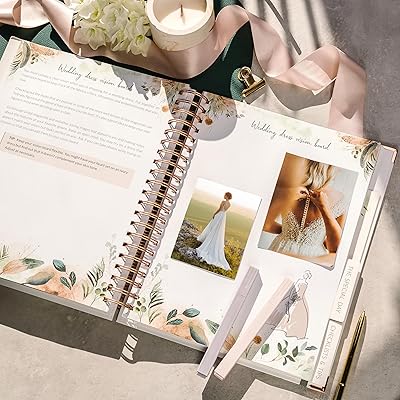
A wedding binder works like your control center. It keeps everything physical in one safe place so you never lose quotes, ideas, or contracts. Choose a sturdy binder and divide it into clear sections. When papers come in, file them right away instead of stacking them randomly. This one habit instantly reduces stress and keeps your brain clear.
- Add tabs for vendors, budget, guest list, decor, and timeline
- Use clear plastic sleeves for important papers
- Keep a pocket for loose notes or business cards
- Add a checklist in the front for quick access
Pro tip: Use pastel tabs so you remember sections faster.
Why it works: One physical space removes mental clutter.
2. Create a Master Planning Spreadsheet

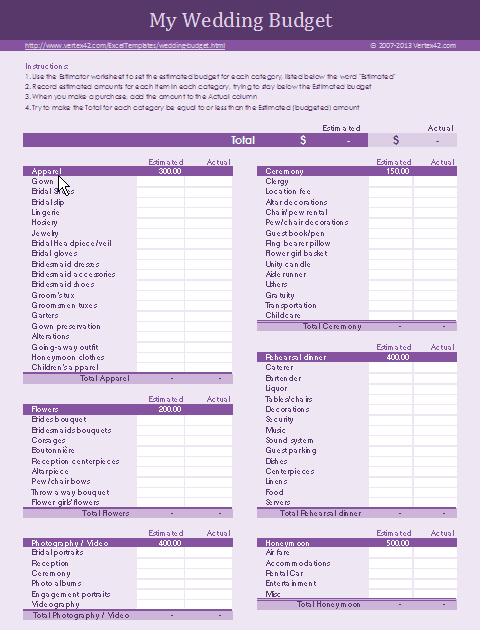


A simple spreadsheet keeps everything measurable. You can track budget, tasks, and deadlines in one view. Many couples feel less overwhelmed once they can see progress visually. Keep columns clear and avoid making it too complex. If needed, check this internal checklist printable for structure ideas you can copy into your sheet.
- Add columns for task, deadline, status, and notes
- Track estimated vs actual costs
- Highlight overdue tasks automatically
- Share view access with your partner
Pro tip: Freeze the top row so headings stay visible.
Why it works: Seeing progress reduces decision fatigue.
3. Track Vendor Payment Deadlines

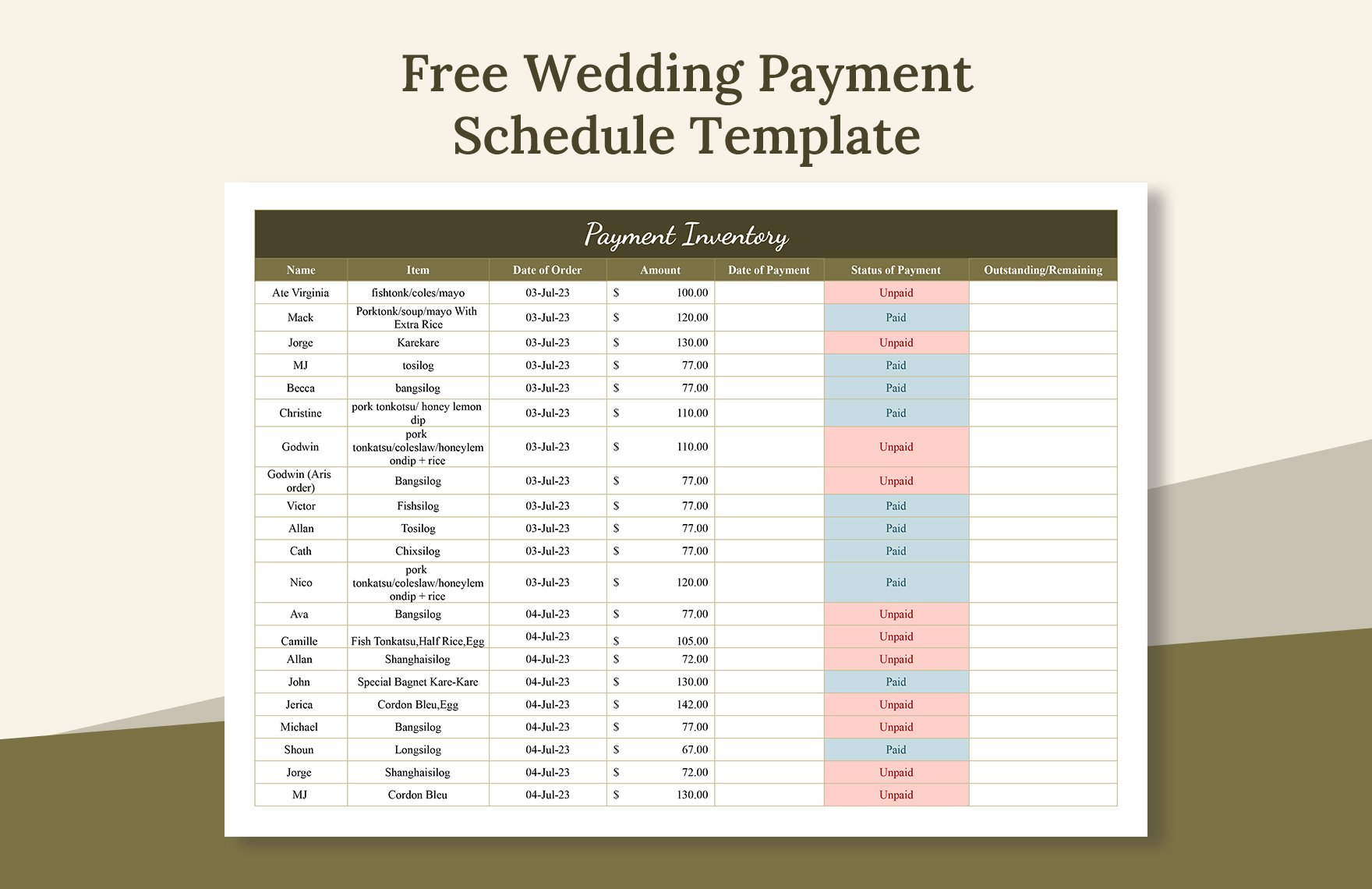
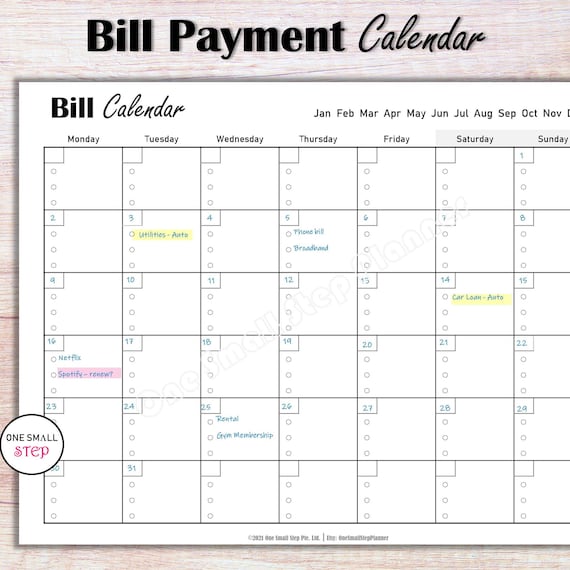
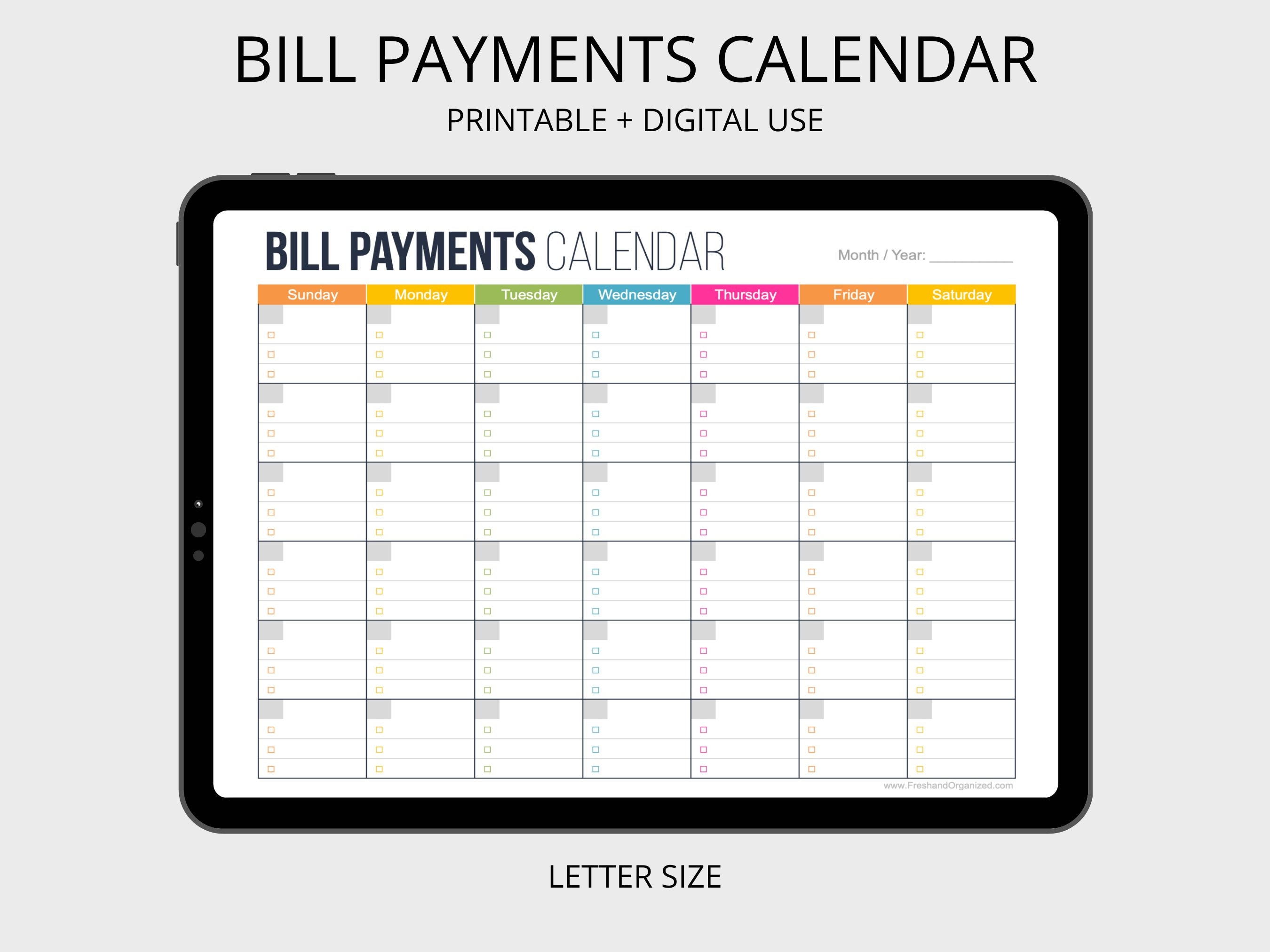
Missed payments create avoidable stress. Vendors often have multiple due dates, so write them down as soon as contracts are signed. Use reminders instead of relying on memory. Group payments by month so you see future expenses early and avoid surprises. This small system protects your budget and prevents last-minute panic.
- Write deposit and final payment dates clearly
- Add reminders 7–10 days before due date
- Store invoices near payment records
- Mark paid invoices immediately
Pro tip: Use one color for “paid” to scan faster.
Why it works: Clear deadlines stop financial surprises.
4. Color Code Planning Categories


Color coding makes planning feel lighter and easier to understand. Your brain processes colors faster than text, so this trick saves time every week. Assign one color to each category — decor, guest list, vendors, outfits, or budget. Use the same colors across your binder, calendar, and digital files for consistency.
- Pick 4–6 colors only
- Match colors across tools
- Highlight urgent items in one bold shade
- Keep a small color legend inside your binder
Pro tip: Soft tones look calm and reduce stress.
Why it works: Visual grouping speeds up decisions.
5. Organize Contracts in Folders


Contracts should never be loose papers. Keep each vendor contract in a separate folder so details stay easy to check. You can store digital copies too. This is the perfect point to create your digital backup and link it with your spreadsheet guide system so everything matches.
- One folder per vendor
- Include contract, invoice, and notes together
- Label folders clearly with vendor name
- Store signed copies separately
Pro tip: Add sticky notes with key deadlines.
Why it works: Fast access prevents confusion later.
6. Store Receipts in Labeled Envelopes
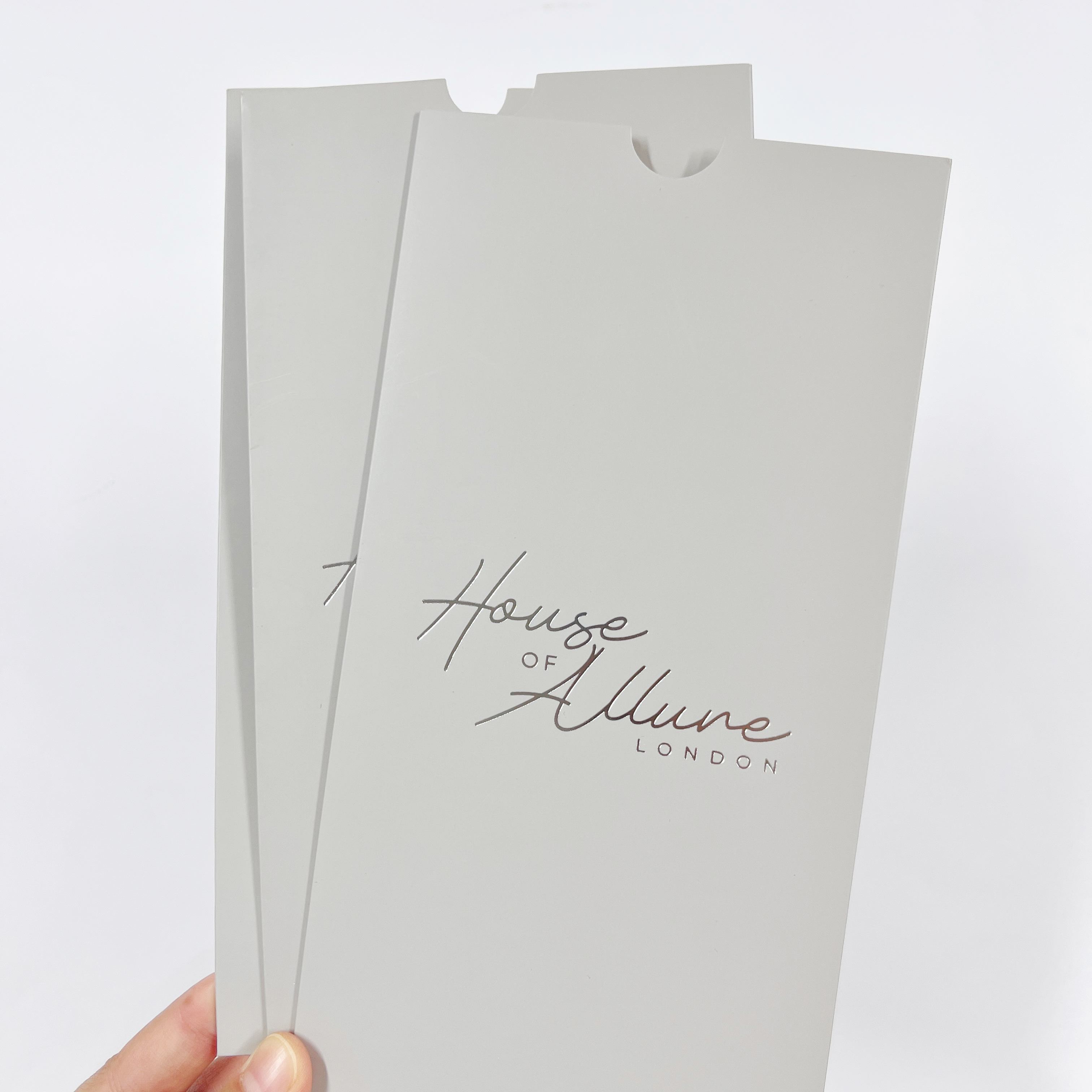

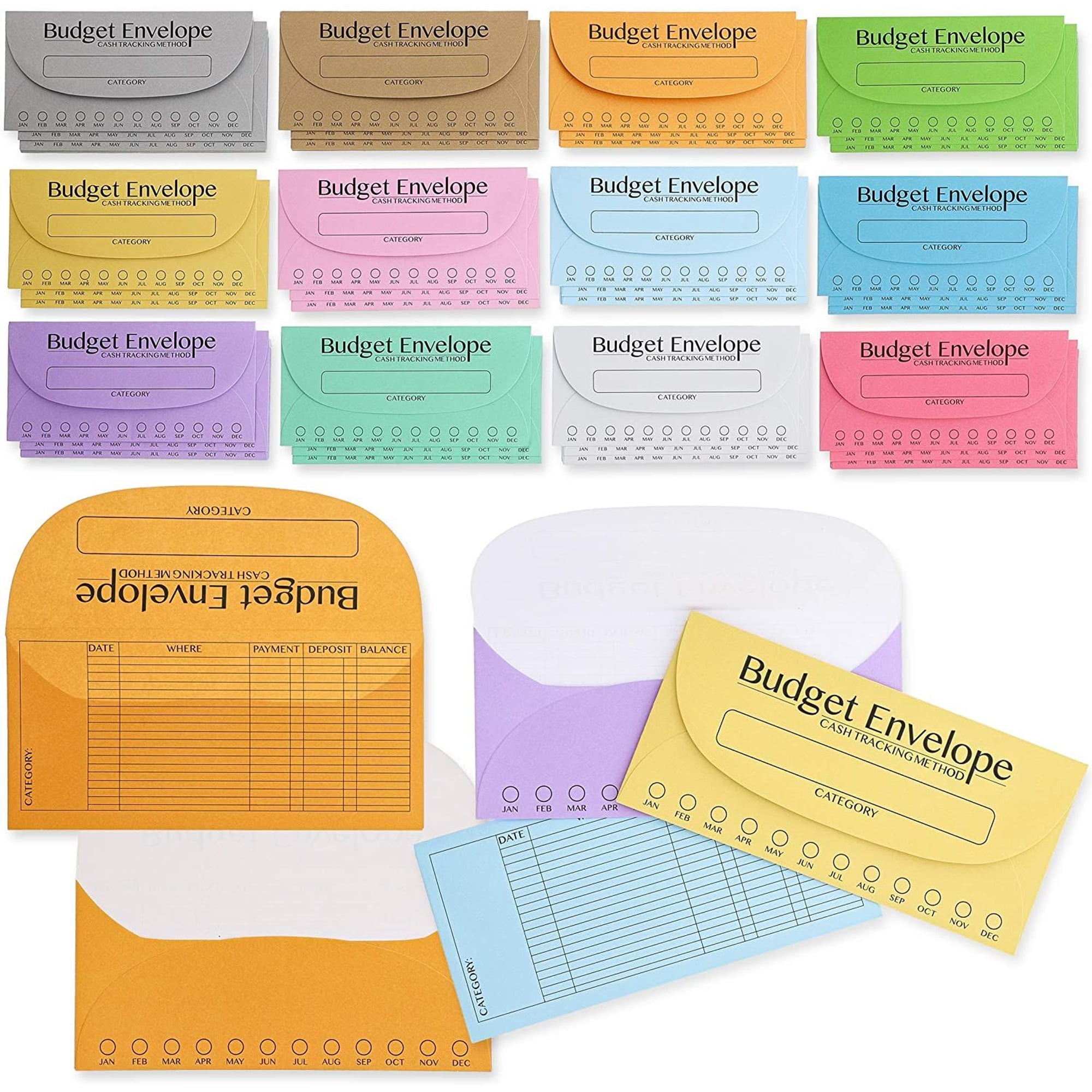

Small expenses disappear quickly if you don’t track them. Envelopes make it simple. Each envelope represents a category, and you drop receipts in immediately. Later, you can log totals into your spreadsheet. This keeps spending honest and helps avoid going over budget without noticing.
- Label envelopes by category
- Write date and amount on each receipt
- Empty envelopes weekly into your spreadsheet
- Keep them in your binder pocket
Pro tip: Use transparent envelopes to see contents instantly.
Why it works: Small tracking prevents big budget drift.
7. Sync a Shared Digital Calendar


Planning becomes easier when both partners see the same schedule. A shared calendar avoids miscommunication and keeps appointments clear. Add fittings, meetings, and payment reminders so nothing slips. If you’re also managing guests, this is a great stage to check your wedding guest list guide and align deadlines.
- Share calendar access with key helpers
- Add notifications for meetings
- Use color labels for categories
- Include prep time before events
Pro tip: Schedule buffer days before big deadlines.
Why it works: Shared visibility reduces planning conflicts.
8. Back Up Files in Cloud Storage
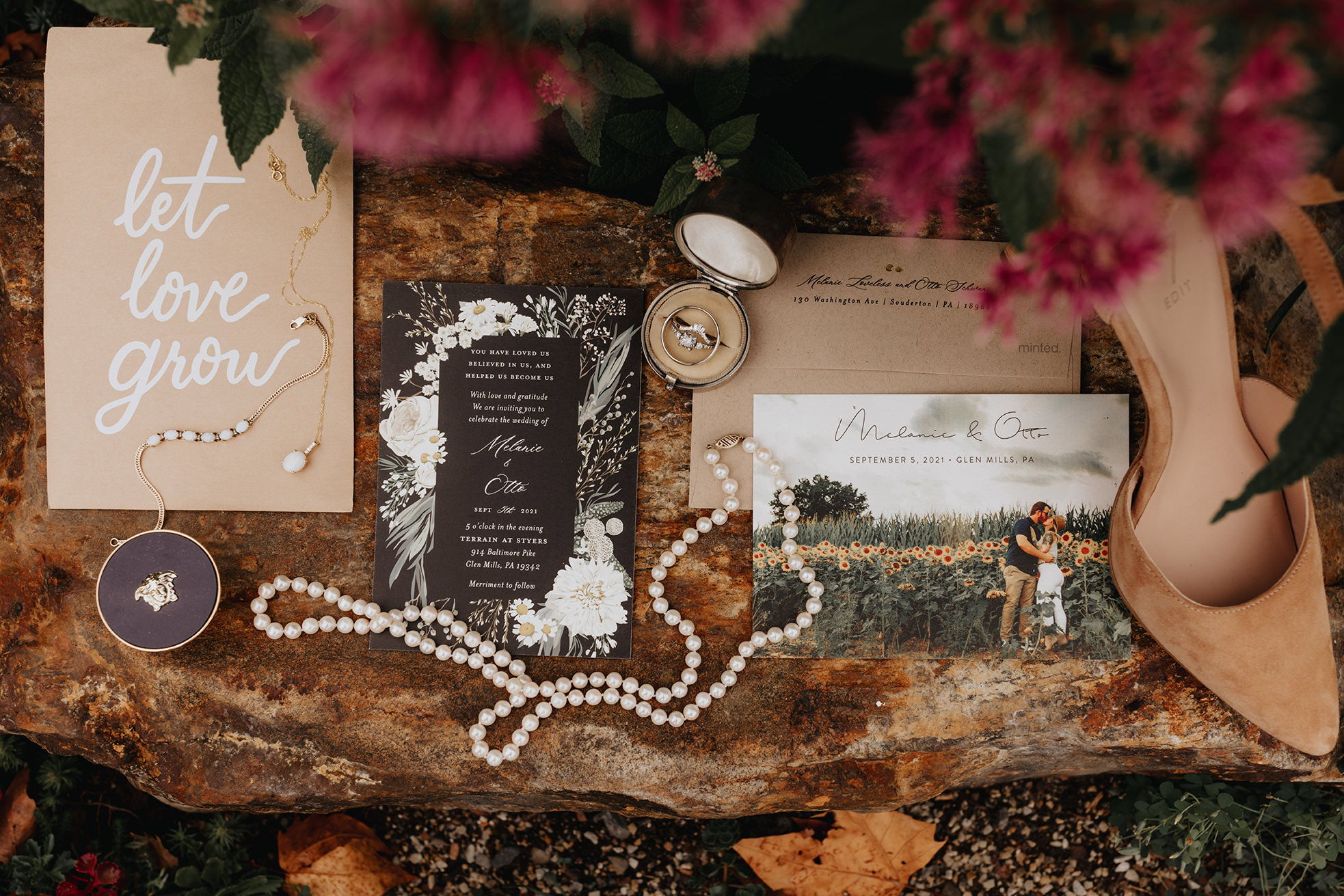
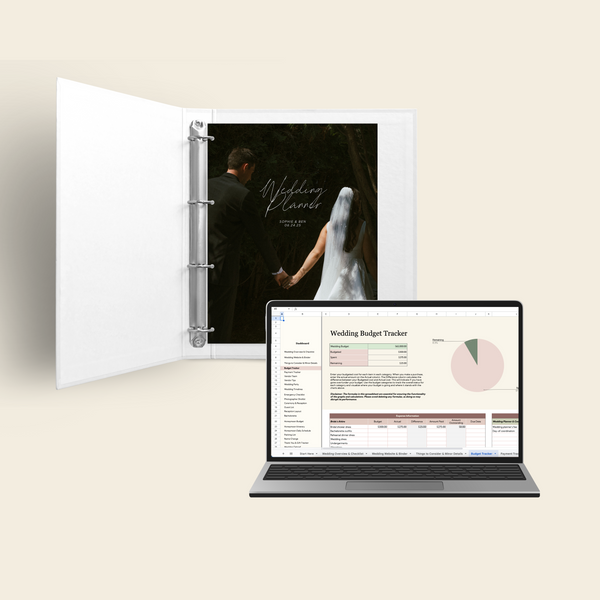

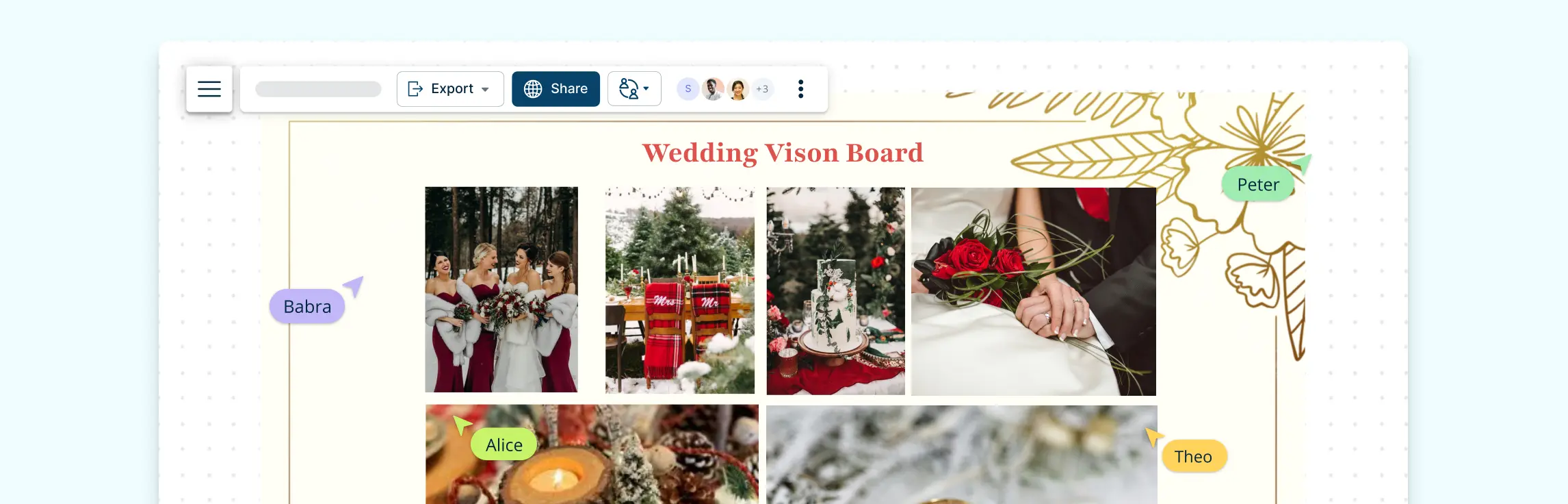
Digital safety matters. Contracts, inspiration photos, and spreadsheets can disappear if your device fails. Cloud storage keeps everything secure and accessible anywhere. Create clear folders and avoid dumping files randomly. Think of this as your digital safety net during busy weeks.
- Make folders by category
- Upload files the same day you receive them
- Keep backup copies of contracts and invoices
- Share access with your partner
Pro tip: Name files clearly with dates.
Why it works: Backup systems prevent last-minute panic.
9. Set a Weekly Planning Review


Planning feels chaotic when tasks pile up unseen. A weekly review resets everything. Pick one day each week to check progress, update deadlines, and move incomplete tasks forward. This habit keeps problems small instead of overwhelming you later.
- Review budget updates
- Check upcoming vendor deadlines
- Move unfinished tasks forward
- Add new ideas or notes
Pro tip: Keep the review short — 20 minutes is enough.
Why it works: Small weekly resets prevent burnout.
10. Track RSVP Response Sheets
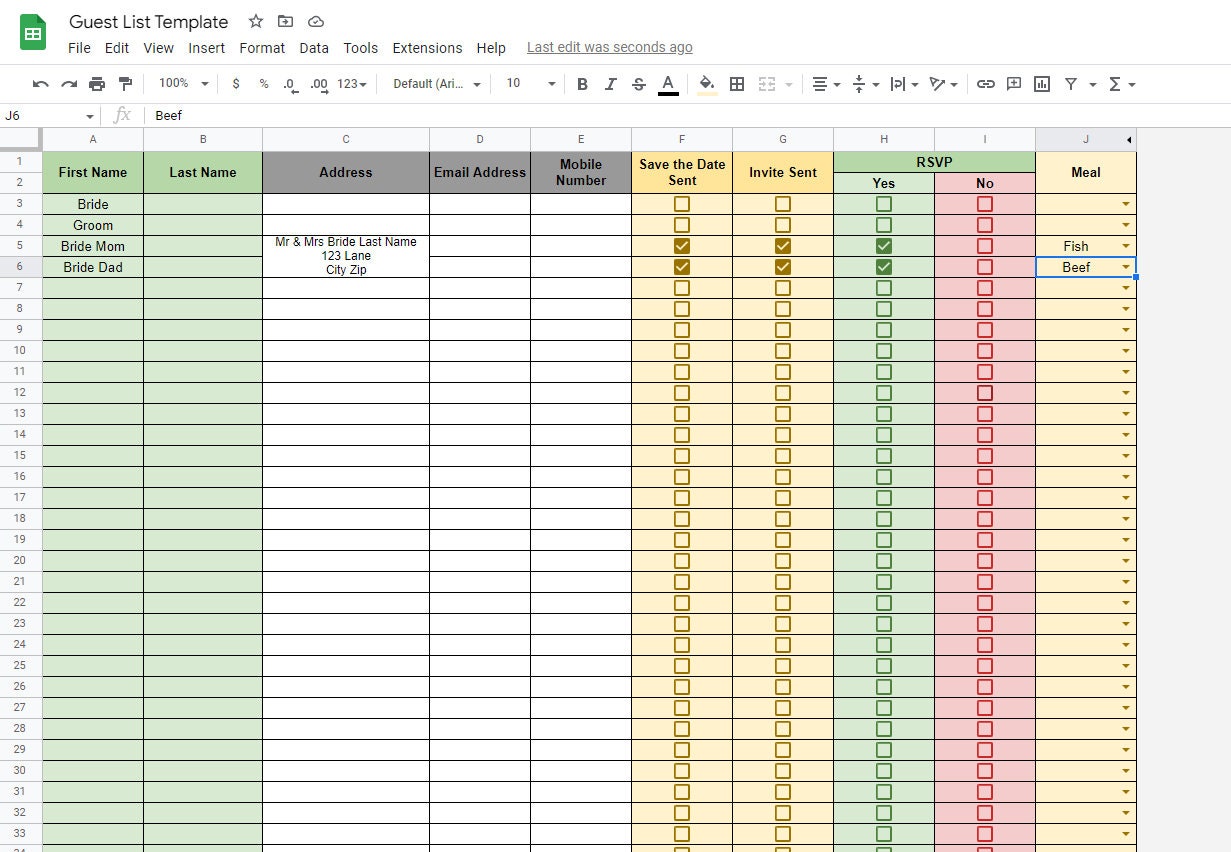

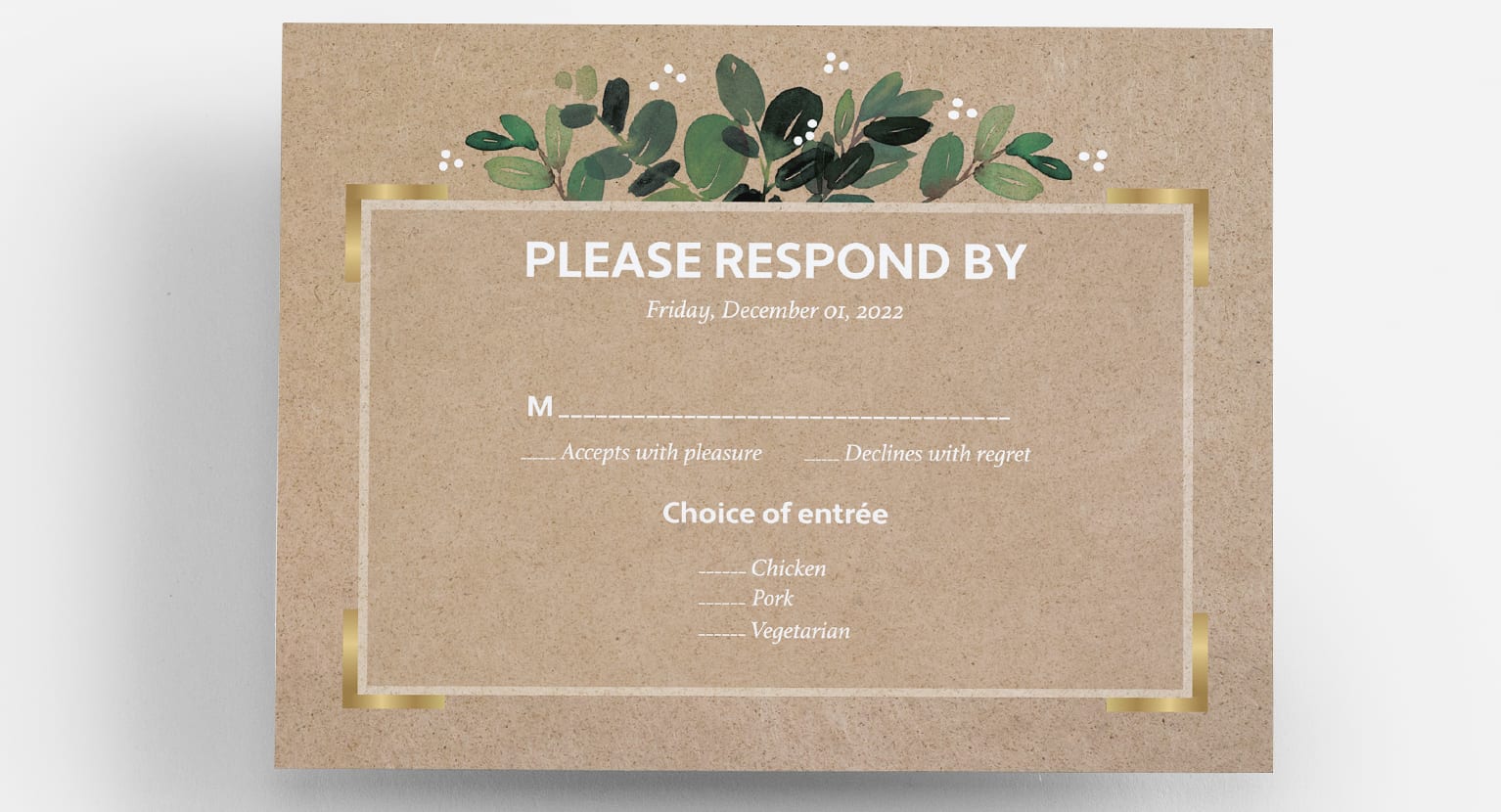
RSVP tracking saves you from guest count mistakes. Keep responses organized by yes, no, and pending. Update the list regularly so catering numbers stay accurate. This step also helps seating planning later and reduces stress close to the wedding date.
- Create columns for meal choice and notes
- Mark late responses clearly
- Follow up with pending guests weekly
- Keep printed responses together
Pro tip: Add a final count column for quick totals.
Why it works: Clear tracking helps avoid seating chaos.
11. File Inspiration by Category
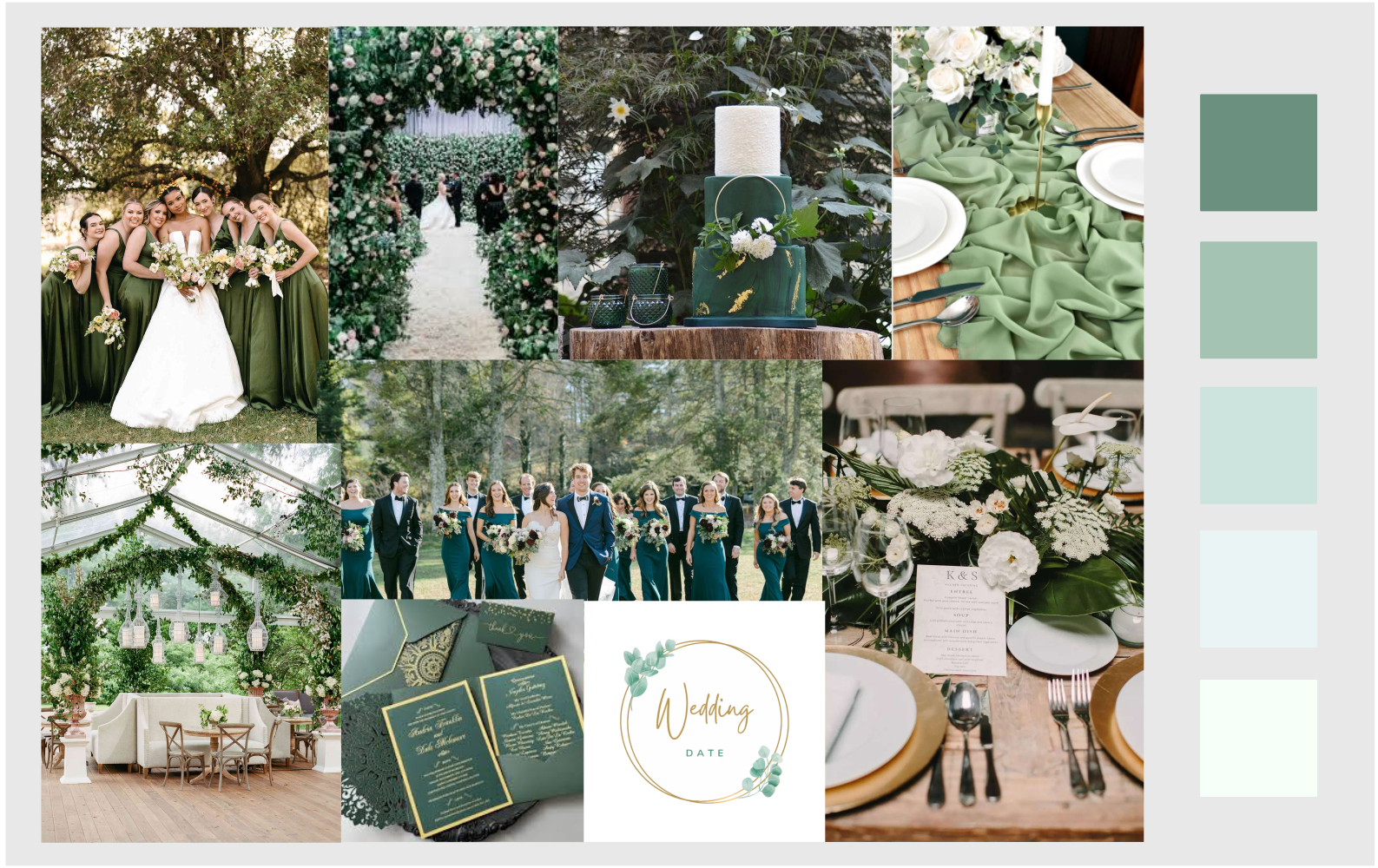


Inspiration becomes messy fast. Instead of saving everything together, organize ideas by theme — flowers, table setup, colors, lighting, and outfits. When you show vendors clear categories, they understand your vision faster. This saves time and avoids miscommunication.
- Create folders for each design area
- Save only ideas matching your style
- Delete duplicates often
- Keep final choices separate
Pro tip: Rename saved images with short notes.
Why it works: Clear direction leads to better vendor results.
12. Prepare a Labeled Decor Inventory
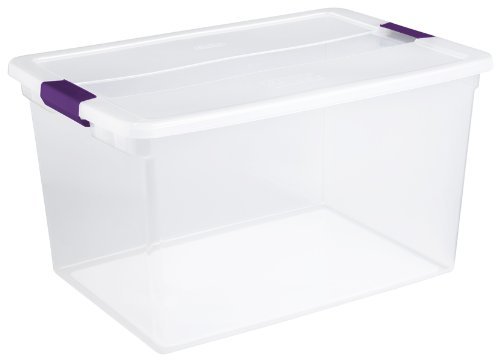


Decor pieces easily get lost during setup. Make a simple inventory list with labels so nothing disappears. Group items by area — ceremony, tables, welcome sign, or photo corner. This makes setup day smoother and helps helpers know exactly what goes where.
- Label storage boxes clearly
- Add quantity notes on boxes
- Keep fragile items separate
- Create a quick setup checklist
Pro tip: Attach photos to box labels for clarity.
Why it works: Visual labels speed up setup time.
13. Review Your Checklist Every Sunday
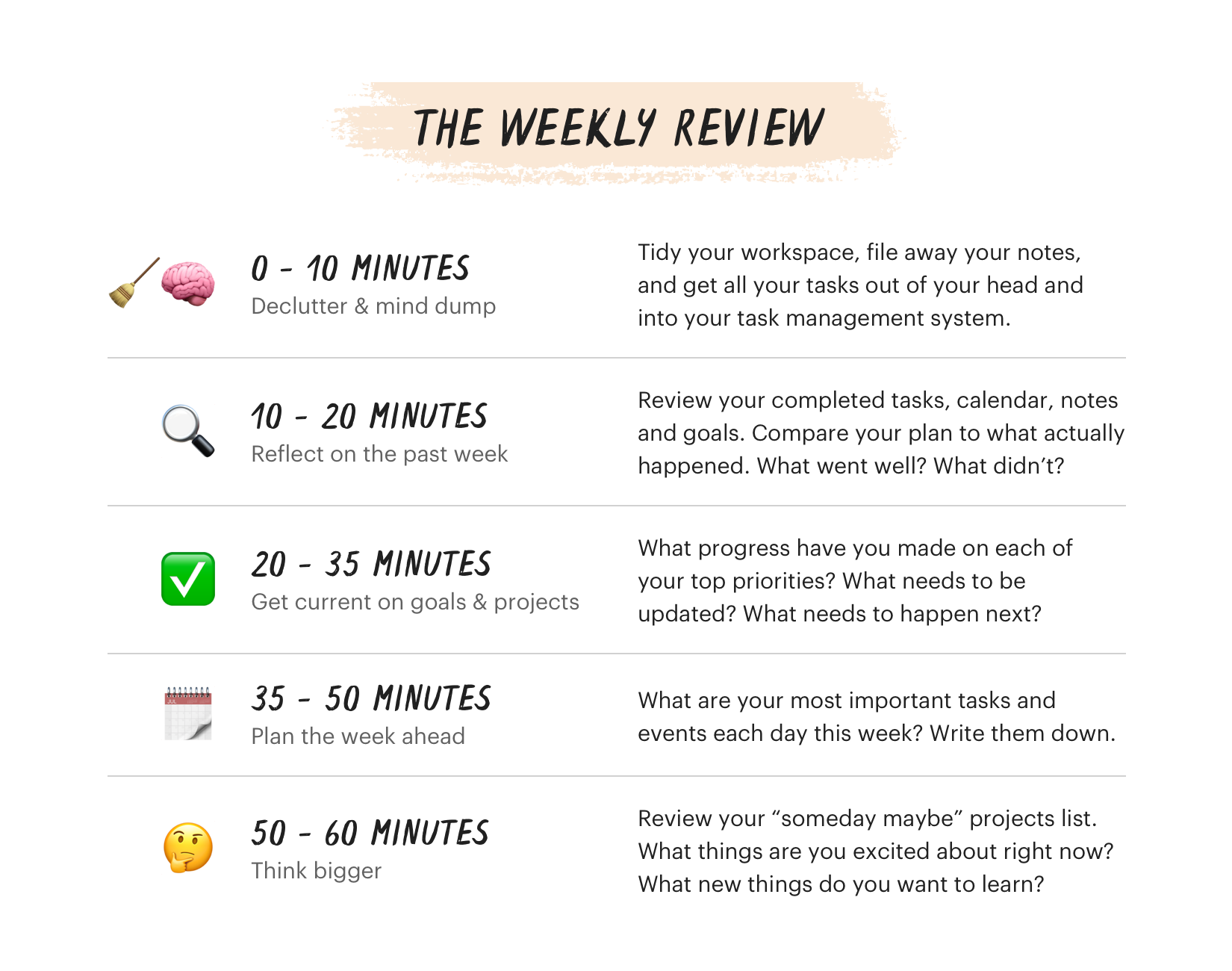

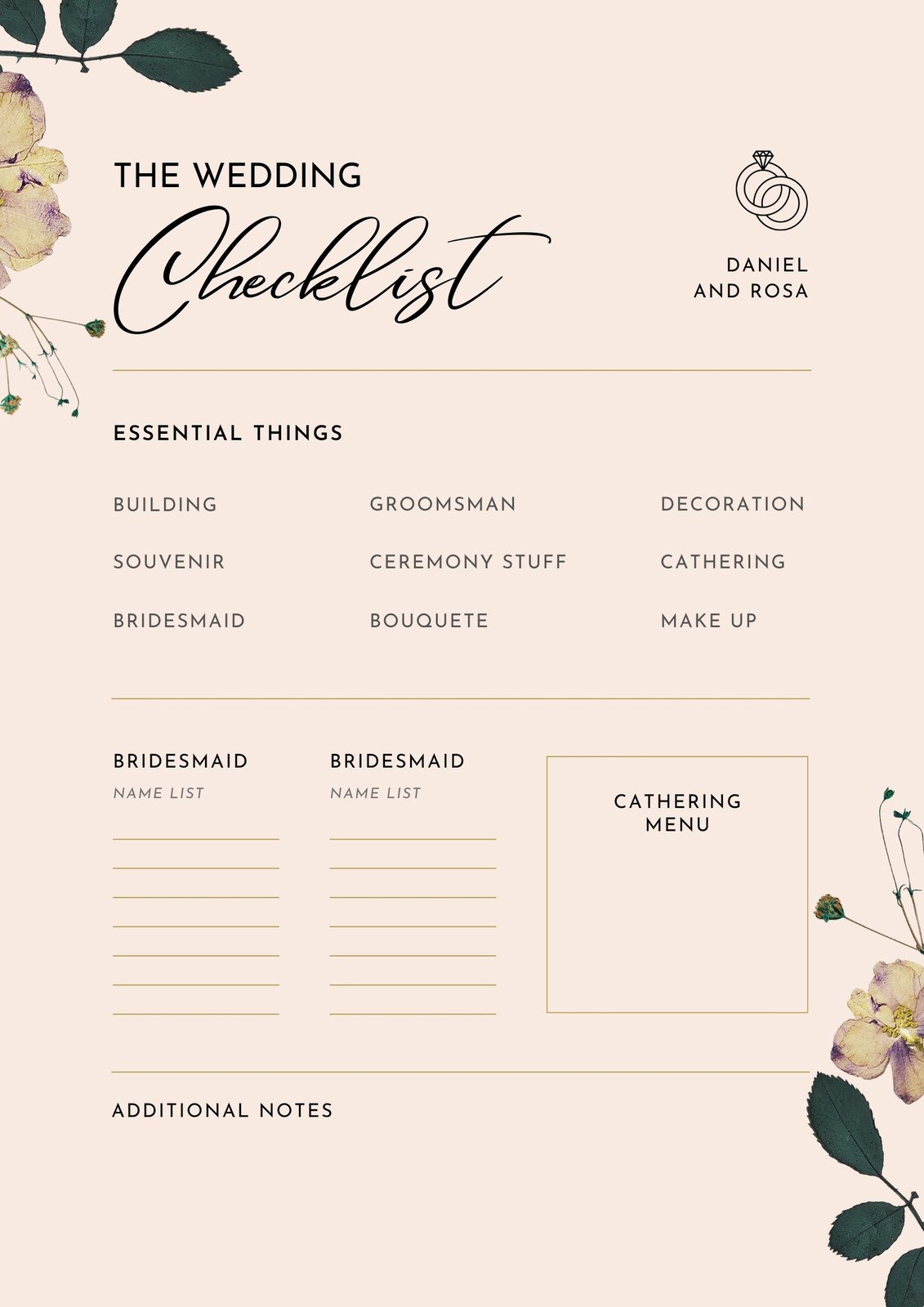
A weekly checklist review keeps you grounded. Sunday works well because it sets direction for the upcoming week. Look at tasks, remove outdated items, and highlight priorities. This keeps momentum steady and avoids feeling behind.
- Mark top three weekly priorities
- Move completed tasks to a done list
- Check upcoming payments
- Adjust timeline if needed
Pro tip: Celebrate small wins each week.
Why it works: Progress tracking builds motivation.
14. Store an Emergency Contact List

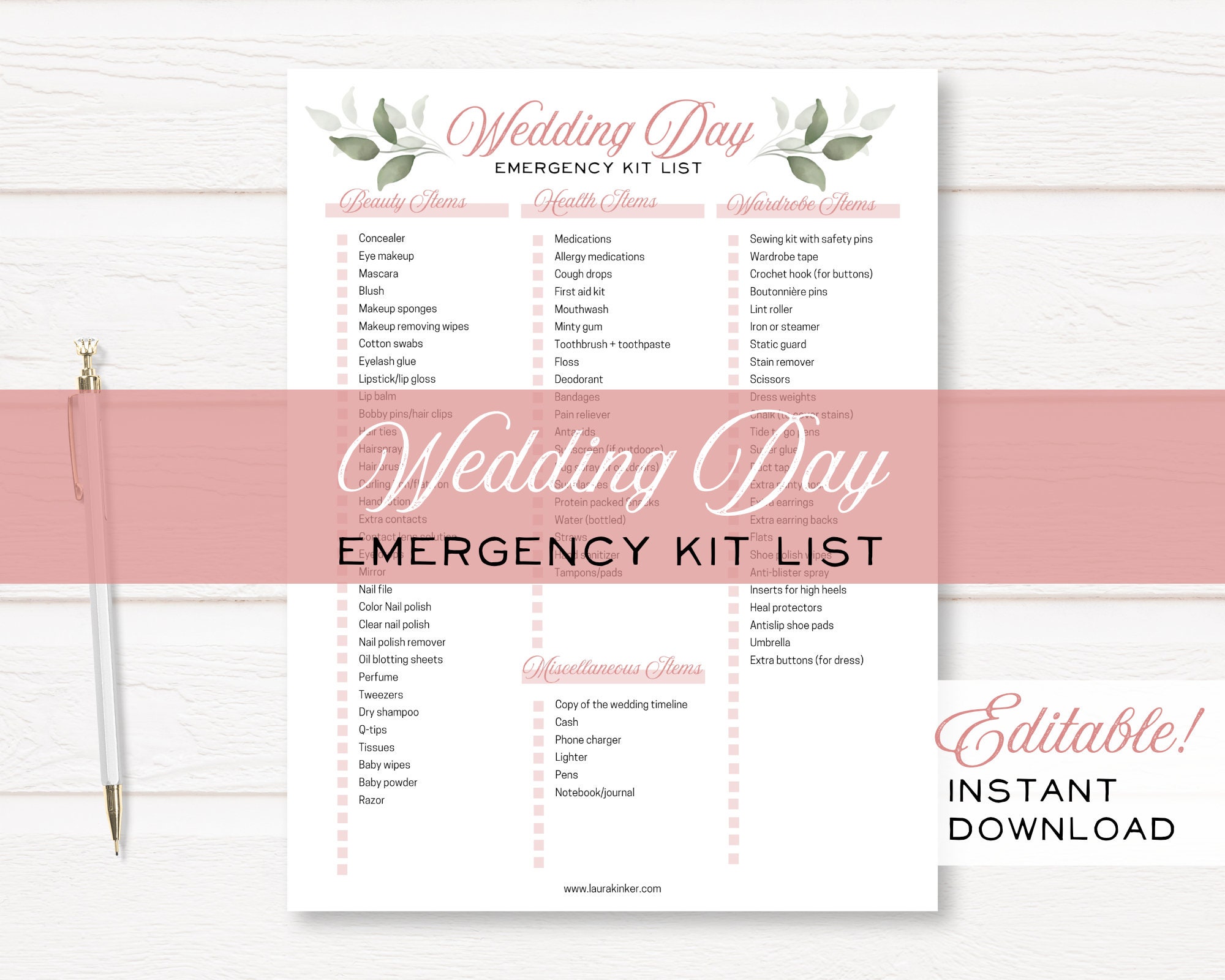
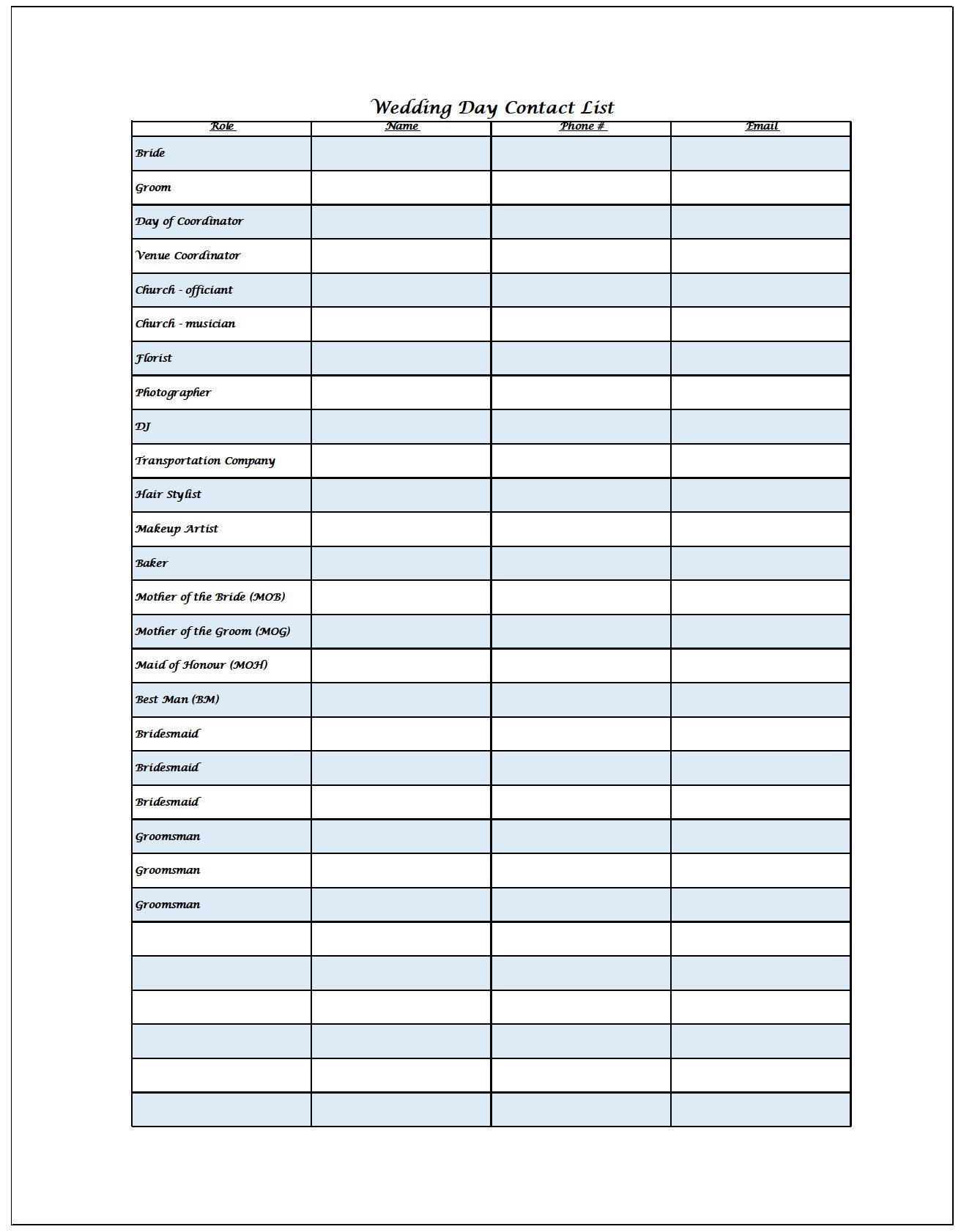
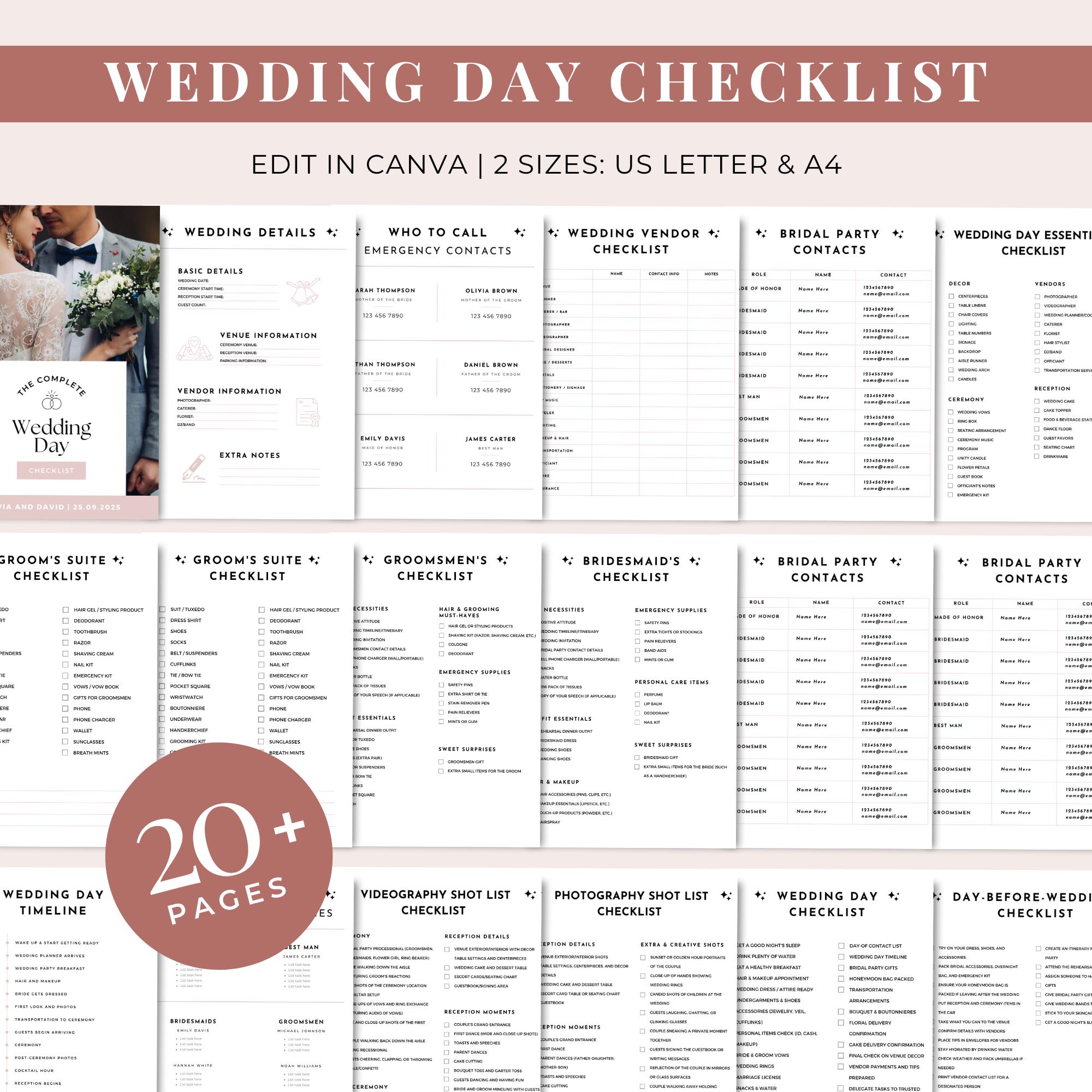
On wedding day, quick access matters. A printed emergency list saves time and stress. Include vendors, family helpers, venue contacts, and backups. Give copies to your planner or a trusted person so you don’t handle calls yourself.
- Include phone numbers and roles
- Print multiple copies
- Keep one in your binder
- Share with key helpers
Pro tip: Add arrival times beside names.
Why it works: Fast contact access prevents chaos.
Easy Errors Couples Often Miss
- Keeping papers loose without labels
- Ignoring small receipts until late
- Saving random inspiration without filtering
- Forgetting backup copies of contracts
- Waiting too long to update RSVPs
FAQs
How do you stay organized while wedding planning?
Use one main system — binder plus spreadsheet. Review tasks weekly and keep everything labeled so you never search for information.
Best tools for wedding organization?
A binder, digital spreadsheet, shared calendar, cloud storage, and simple checklist pages work best because they are easy to maintain.
How to manage wedding paperwork?
Create folders by vendor, store contracts together, and keep digital backups so important documents are never lost.
How to track vendor payments easily?
Log every payment in your spreadsheet and set reminders in your shared calendar before deadlines.
How to avoid planning overwhelm?
Break planning into small weekly tasks and review progress regularly instead of trying to manage everything at once.
Conclusion
Wedding planning feels easier when organization becomes a simple weekly habit instead of a big task. Start small. Label everything. Track progress clearly. When your system works for you, planning becomes calm and even enjoyable. If you want a complete roadmap, explore this full wedding planning guide to keep everything flowing smoothly from start to finish.
Focus Keyphrase
Wedding organization tips
Keyphrase Synonym (1)
Wedding planning organization
Related Keyphrase (1)
How to stay organized while wedding planning
Primary H1
Wedding Organization Tips That Keep Planning Calm and Stress-Free
Alternative H1s (2–3)
- Smart Wedding Organization Tips for Smooth Planning
- Stay Organized During Wedding Planning Without Feeling Overwhelmed
- Simple Wedding Organization Tips Every Couple Needs
Meta Titles (3)
- Wedding Organization Tips to Plan Smoothly & Stress Less
- Wedding Organization Tips That Make Planning Feel Easy
- Smart Wedding Organization Tips for a Calm Planning Journey
Power Title (1)
The Wedding Organization Tips That Secretly Save Couples From Planning Chaos
Meta Description (155–158 characters, keyphrase once)
Velvet table details fade fast without a plan. Wedding organization tips help you stay calm, track every detail, and avoid planning stress you didn’t expect.
High CTR Slug / URL
/wedding-organization-system
Slug Variations (High CTR)
- /organized-wedding-planning-tips
- /wedding-planning-organization-hacks
- /stay-organized-wedding-plan
Intro Paragraph (70–80 words, strong hook)
Music stops. Someone asks where the contract is.
Your heart drops for a second.
Wedding planning feels magical until details start slipping through the cracks. Between payments, guest lists, and changing ideas, it’s easy to feel scattered. This guide shows you how to bring calm back into the process. With simple wedding organization tips, you’ll replace chaos with clarity, save time every week, and finally feel in control of everything that matters.
Conclusion Paragraph (65–70 words, warm tone, must include /wedding/decor/)
When your plans feel organized, the whole wedding journey becomes lighter and more joyful. Small systems create big peace of mind, and that calm energy shows in every decision you make. Keep building your vision step by step, and let organization support the beauty you’re creating. When you’re ready for the next layer of inspiration, pair your planning with ideas from /wedding/decor/ to bring everything together beautifully.
Focus Keyphrase
Wedding organization tips
Keyphrase Synonym (1)
Wedding planning organization tips
Related Keyphrase (1)
How to stay organized while wedding planning
Primary H1 (Question Style – Recommended)
How Do You Stay Organized While Wedding Planning? (Wedding Organization Tips)
Alternative H1s (2–3)
- What Are the Best Wedding Organization Tips for Stress-Free Planning?
- How Can Wedding Organization Tips Make Planning Easier?
- How to Stay Organized During Wedding Planning Without Feeling Overwhelmed
Meta Titles (3)
- Wedding Organization Tips: How to Stay Organized While Planning
- How to Stay Organized While Wedding Planning (Easy Tips)
- Wedding Organization Tips That Keep Planning Calm & Simple
Power Title (1)
How Smart Wedding Organization Tips Save You From Planning Chaos
Meta Description (155–158 characters)
Feeling overwhelmed already? Wedding organization tips help you track details, stay calm, and avoid planning stress while keeping everything beautifully in control.
Primary Slug / URL (High CTR)
/wedding-organization-tips
Slug Variations (High CTR)
- /stay-organized-wedding-planning
- /organized-wedding-planning-tips
- /wedding-planning-organization-guide
Intro Paragraph (70–80 words, strong hook)
A folder slips. Papers scatter everywhere.
That tiny moment says everything.
Wedding planning feels exciting until deadlines, payments, and details start piling up faster than you can manage. If you’re worried about forgetting something important, you’re not alone. The right wedding organization tips help you feel calm, clear, and confident again. This guide shows simple ways to organize your plans so you spend less time stressing — and more time enjoying your engagement.
Conclusion Paragraph (65–70 words, warm tone)
Organization doesn’t remove the magic — it protects it. When your plans feel clear and structured, you enjoy the small moments instead of worrying about what you missed. Keep building slowly, one step at a time, and trust the system you create. When you’re ready to make everything look as beautiful as it feels, continue your planning journey inside /wedding/decor/ for more inspiration.