


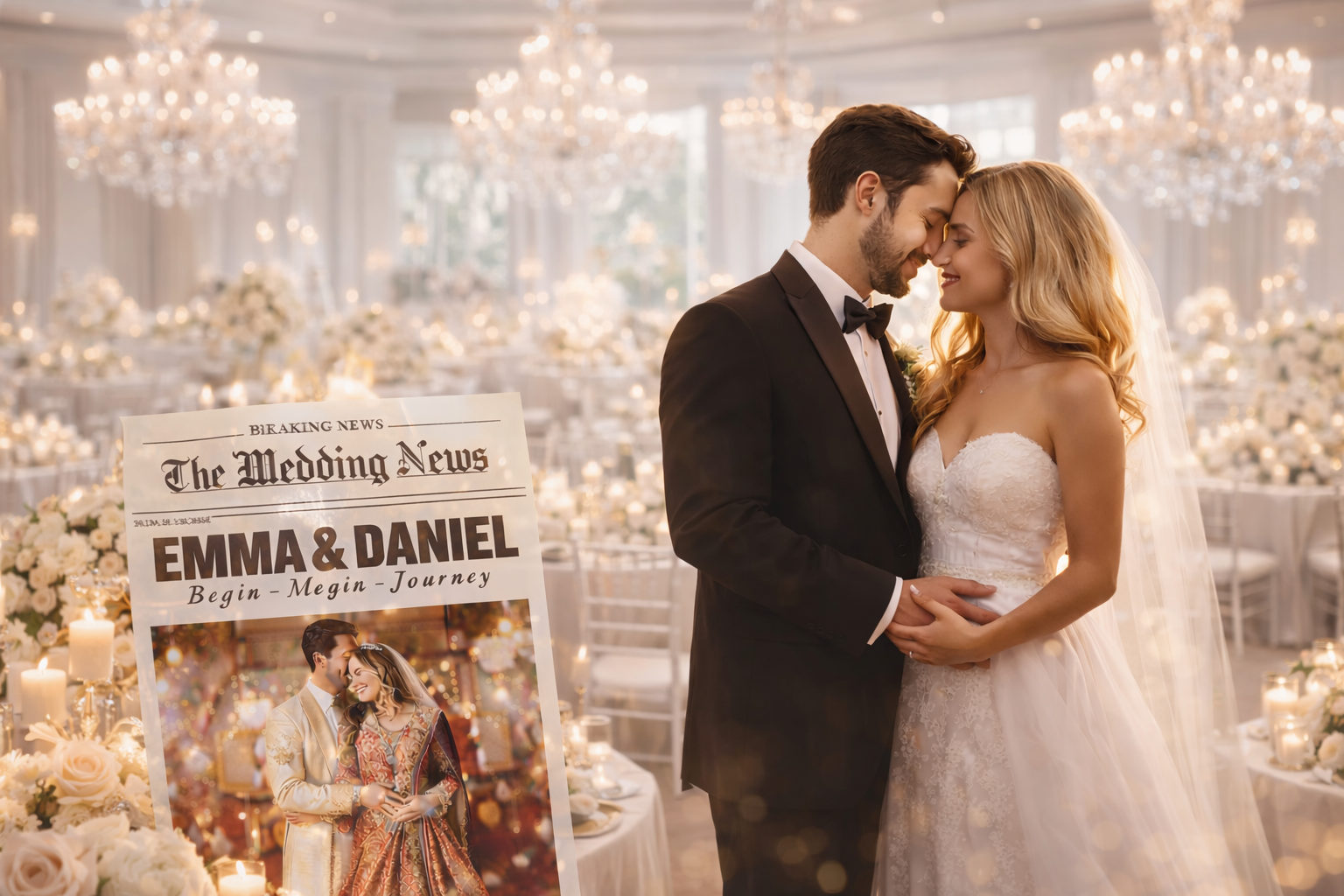
A wedding newspaper is one of the most creative ways to tell your love story and guide guests through your celebration. Instead of handing out a simple ceremony program, couples now design newspaper-style wedding booklets filled with their story, timeline, fun facts, and personal moments.
This idea has become extremely popular on Pinterest because it feels unique and memorable. Guests can read about how the couple met, see highlights of the relationship, and even enjoy small interactive games printed inside the newspaper.
The wedding newspaper planner in your PDF follows the same editorial structure as a real newspaper. It begins with a front-page announcement, then moves through sections like the timeline, love story, wedding party, and guest activities.
When designed thoughtfully, a wedding newspaper becomes more than a program—it becomes a keepsake guests will remember long after the wedding day.
Breaking News: Announcing the Wedding
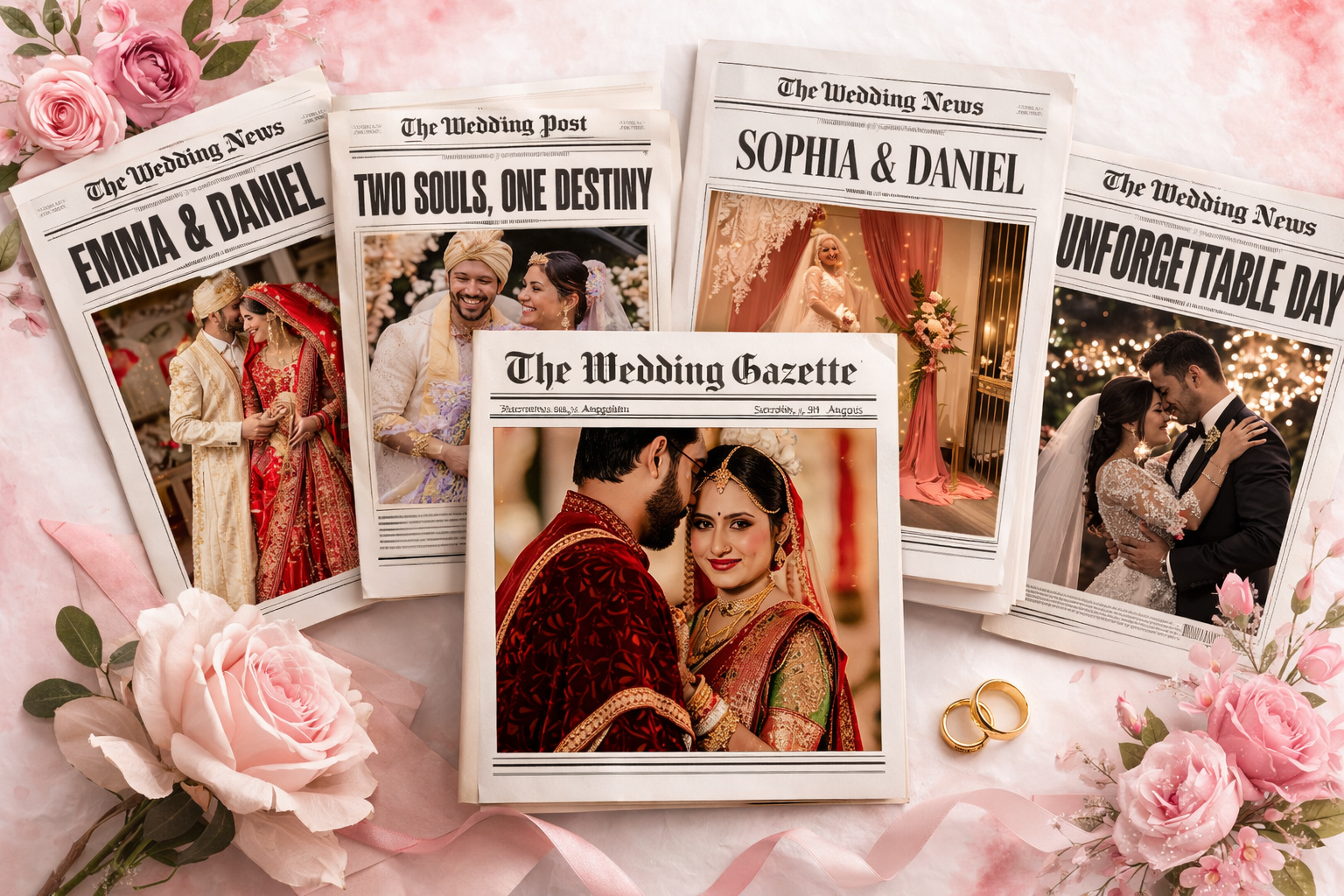
Every wedding newspaper begins with a bold headline, just like a real newspaper front page. In the planner layout from the PDF, the cover announces the couple with a large title such as “Sophia & Daniel Are Tying the Knot” beneath the newspaper name The Wedding Post.
This page immediately tells guests that this newspaper is dedicated to celebrating the couple and their upcoming marriage.
What to include on your front page:
- The couple’s names in a large headline
- Wedding date and location
- A romantic tagline or quote
- A large engagement photo
- The newspaper title (ex: The Wedding Post)
Helpful suggestion: Choose vintage serif fonts to make the page look authentic.
Reason it works: A dramatic headline instantly grabs attention and makes guests curious to read more.
The Wedding Timeline Guests Can Follow
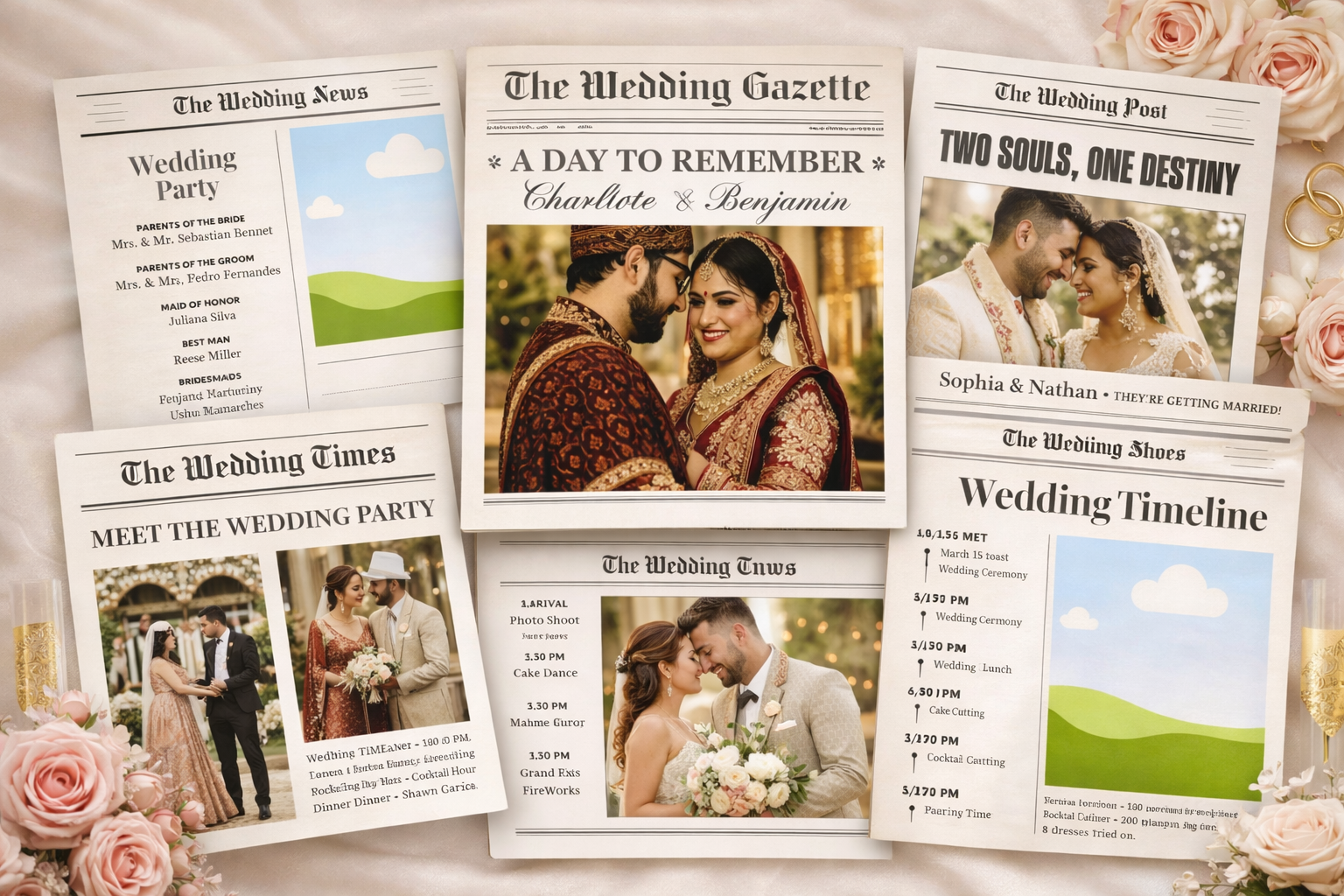
One of the most helpful pages in a wedding newspaper is the timeline. In the PDF planner layout, this section shows the flow of the wedding day—from guest arrival to the couple’s final send-off.
Guests appreciate having a clear schedule because it helps them understand what will happen throughout the celebration.
Typical events included in the timeline:
- Guest arrival
- Wedding ceremony
- Photo session or cocktail hour
- Dinner reception
- First dance
- Cake cutting
- Couple’s grand exit
Helpful suggestion: Use icons next to each event to make the timeline easier to scan.
Reason it works: Guests can quickly glance at the schedule instead of asking someone for directions.
Our Love Story: The Heart of the Newspaper
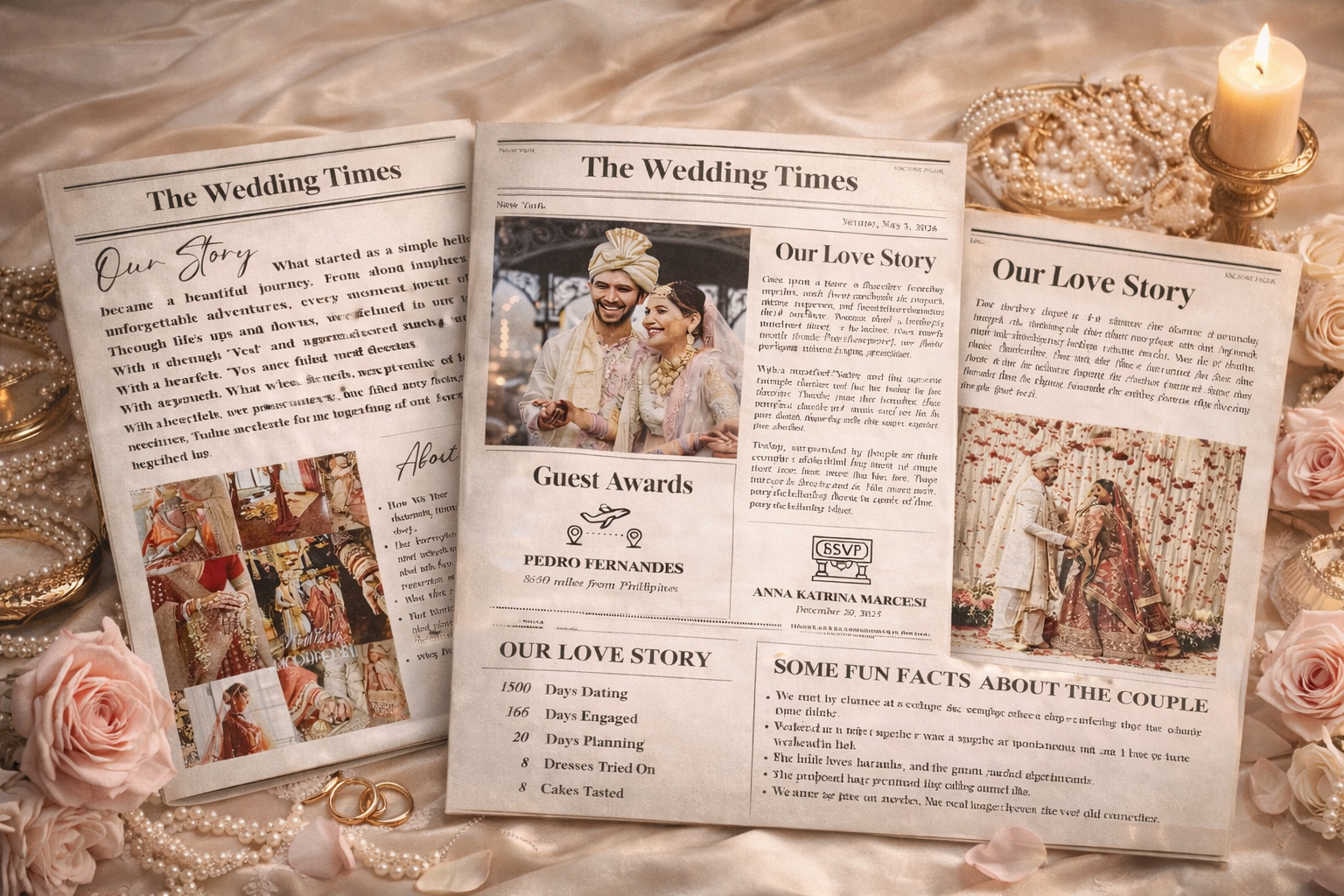
The love story section is often the most meaningful part of a wedding newspaper. In the PDF example, the story describes how the couple met unexpectedly and slowly built a relationship through shared moments and adventures.
Guests enjoy reading this part because it shows the emotional journey that led to the wedding day.
Ideas for writing your love story:
- Explain how you first met
- Describe your first date
- Share a funny or memorable moment
- Talk about when you realized the relationship was serious
- End with the decision to marry
Helpful suggestion: Write the story in a conversational tone.
Reason it works: Personal storytelling creates an emotional connection with readers.
Long Story Short: Relationship Milestones
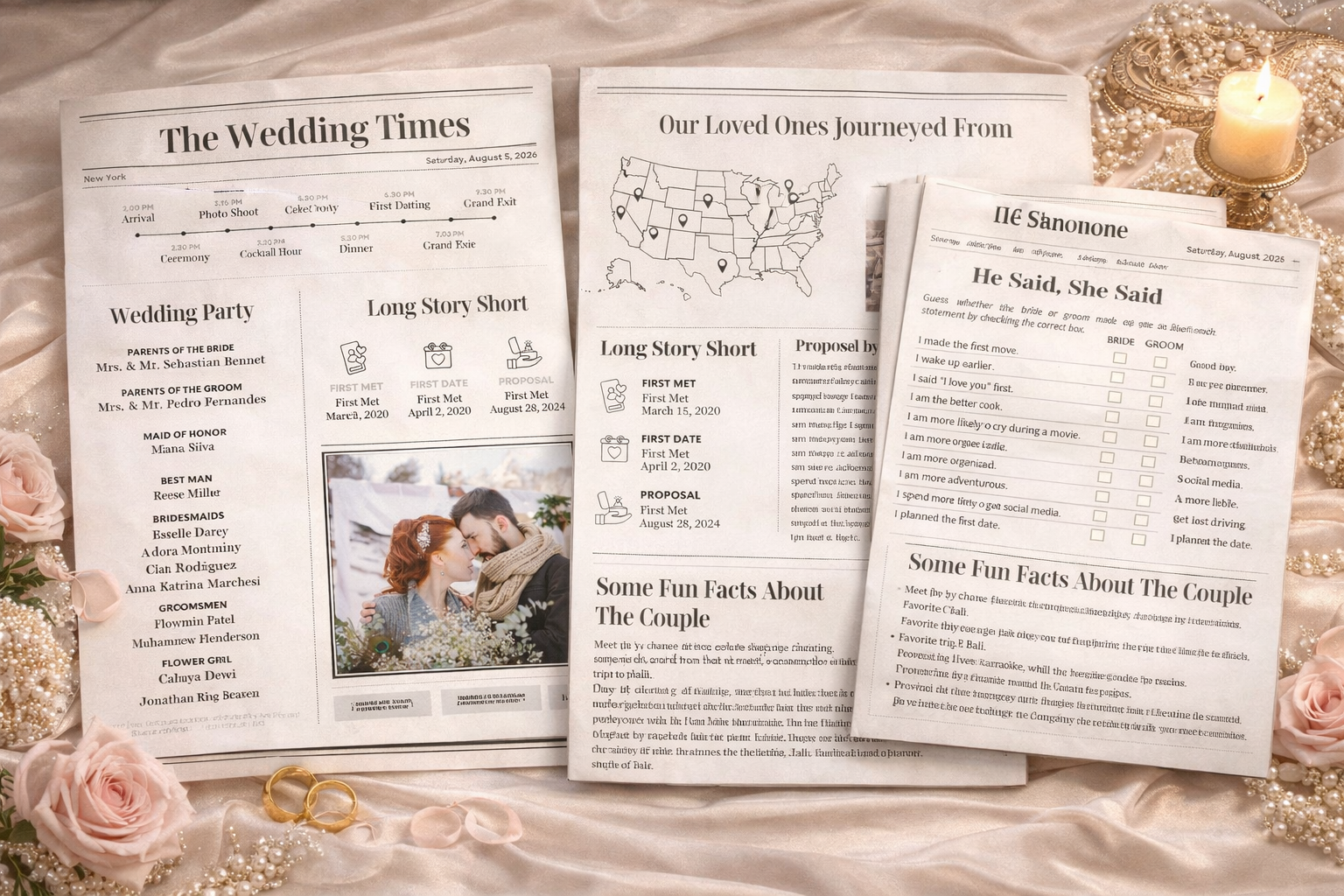
Another section used in the wedding newspaper planner summarizes the couple’s journey using important dates. The PDF layout highlights moments like the first meeting, first date, and proposal.
This format gives guests a quick overview of the relationship timeline.
Important milestones to include:
- First meeting
- First official date
- Engagement date
- Favorite trip together
- Important memories
Helpful suggestion: Present milestones with icons or illustrations.
Reason it works: Visual storytelling makes the timeline easier to understand.
Meet the Wedding Party
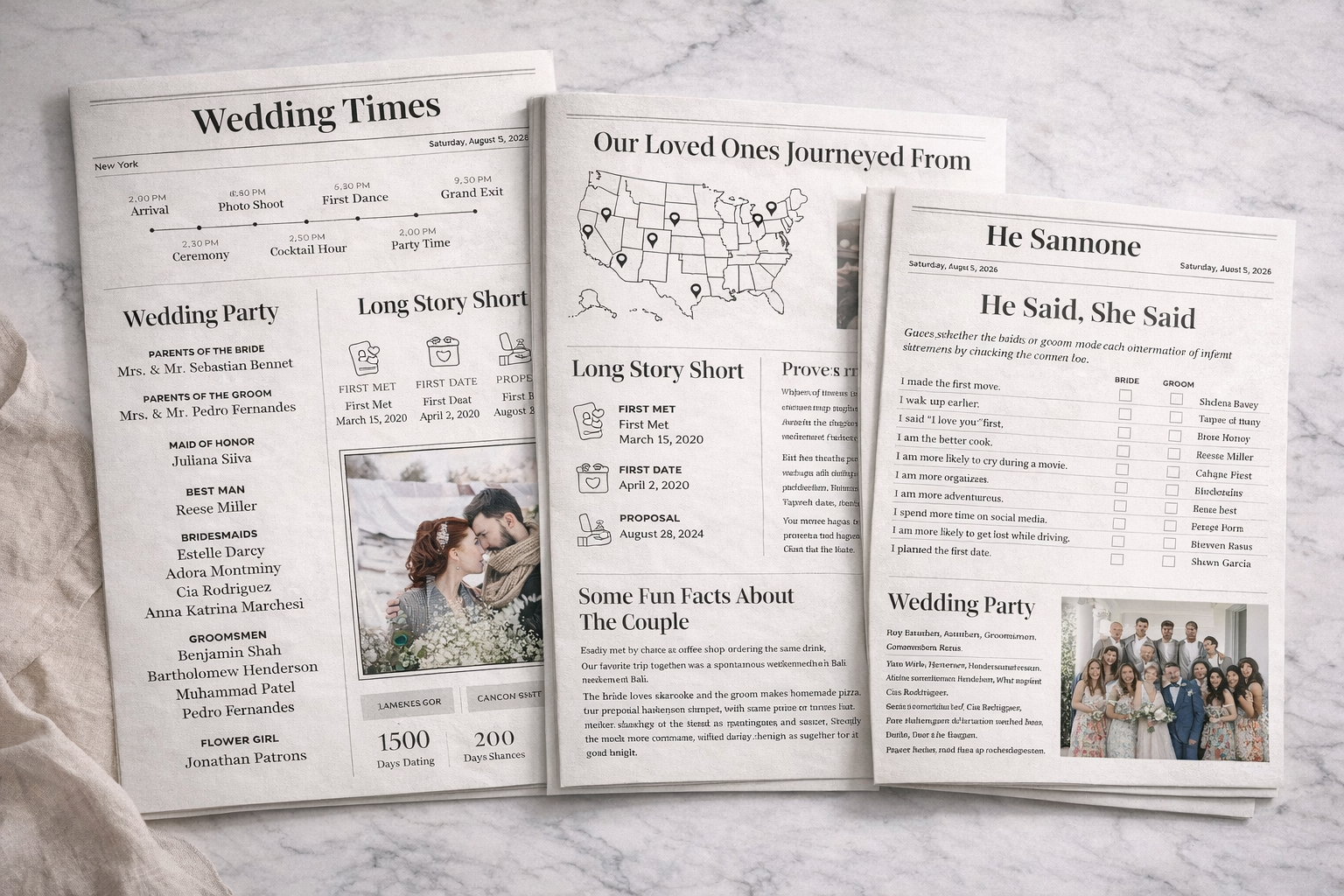
The wedding party page introduces the friends and family who are part of the ceremony. The PDF planner lists parents, maid of honor, best man, bridesmaids, groomsmen, and other participants.
Guests love this section because it helps them understand the important roles in the celebration.
What to include:
- Parents of the couple
- Maid of honor
- Best man
- Bridesmaids
- Groomsmen
- Flower girl and ring bearer
Helpful suggestion: Include short, fun descriptions about each person.
Reason it works: Guests feel more connected to the people supporting the couple.
Wedding by the Numbers
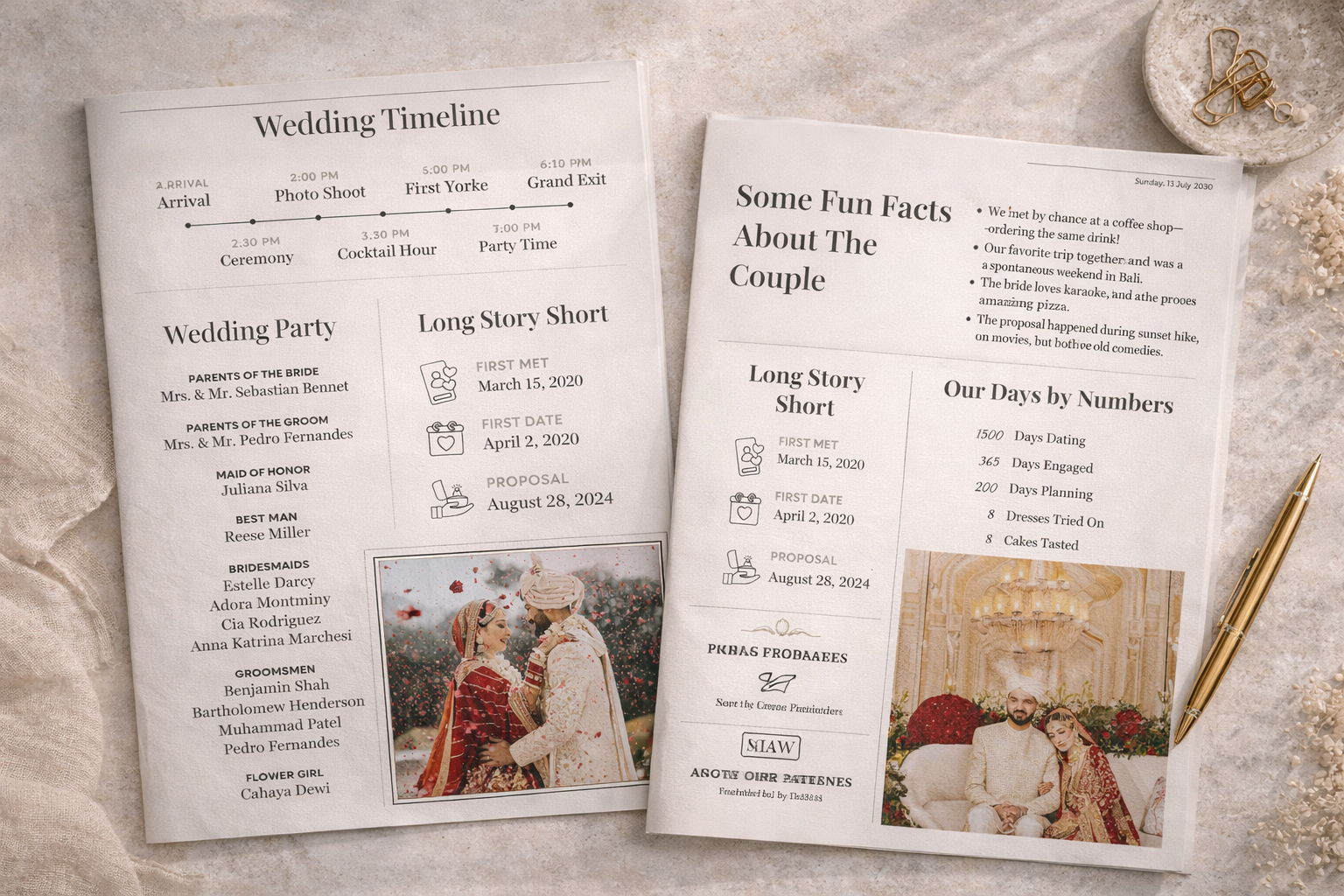
The PDF newspaper also features a creative section called “Our Days by Numbers.” It shows statistics about the relationship, such as days dating, days engaged, and cakes tasted during wedding planning.
This infographic style adds personality to the newspaper.
Examples of numbers to include:
- Days dating
- Days engaged
- Days spent planning the wedding
- Dresses tried during fittings
- Cakes tasted at tastings
Helpful suggestion: Highlight the numbers in large bold text.
Reason it works: Numbers tell a story in a fun and memorable way.
He Said, She Said: A Fun Couple Quiz
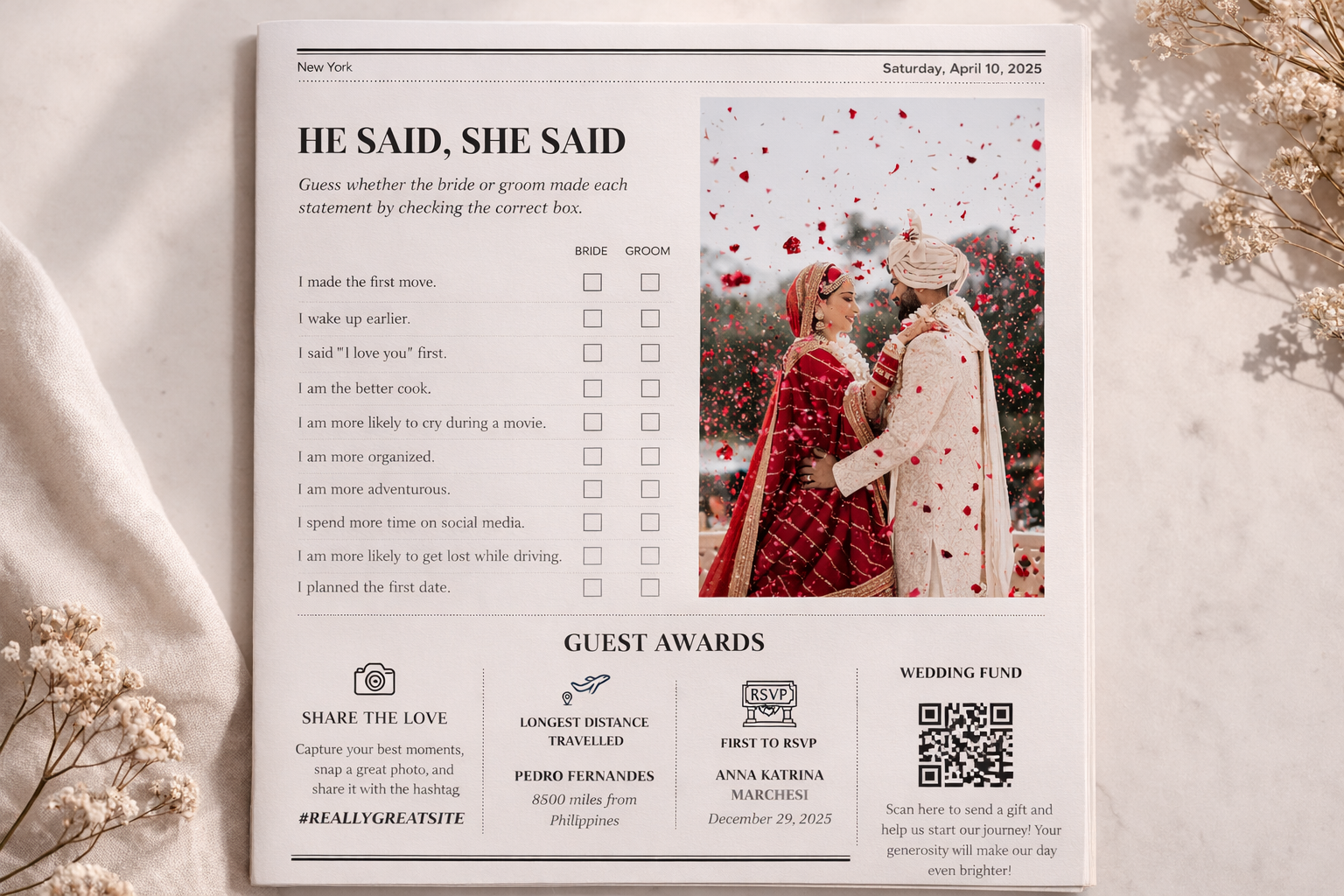
Interactive pages make wedding newspapers more entertaining. The planner layout includes a quiz where guests guess whether the bride or groom made certain statements.
Questions might include:
- Who said “I love you” first
- Who wakes up earlier
- Who is the better cook
- Who planned the first date
- Who is more adventurous
Helpful suggestion: Add checkboxes for guests to mark answers.
Reason it works: Guests love playful activities during weddings.
Guest Awards and Celebration Highlights
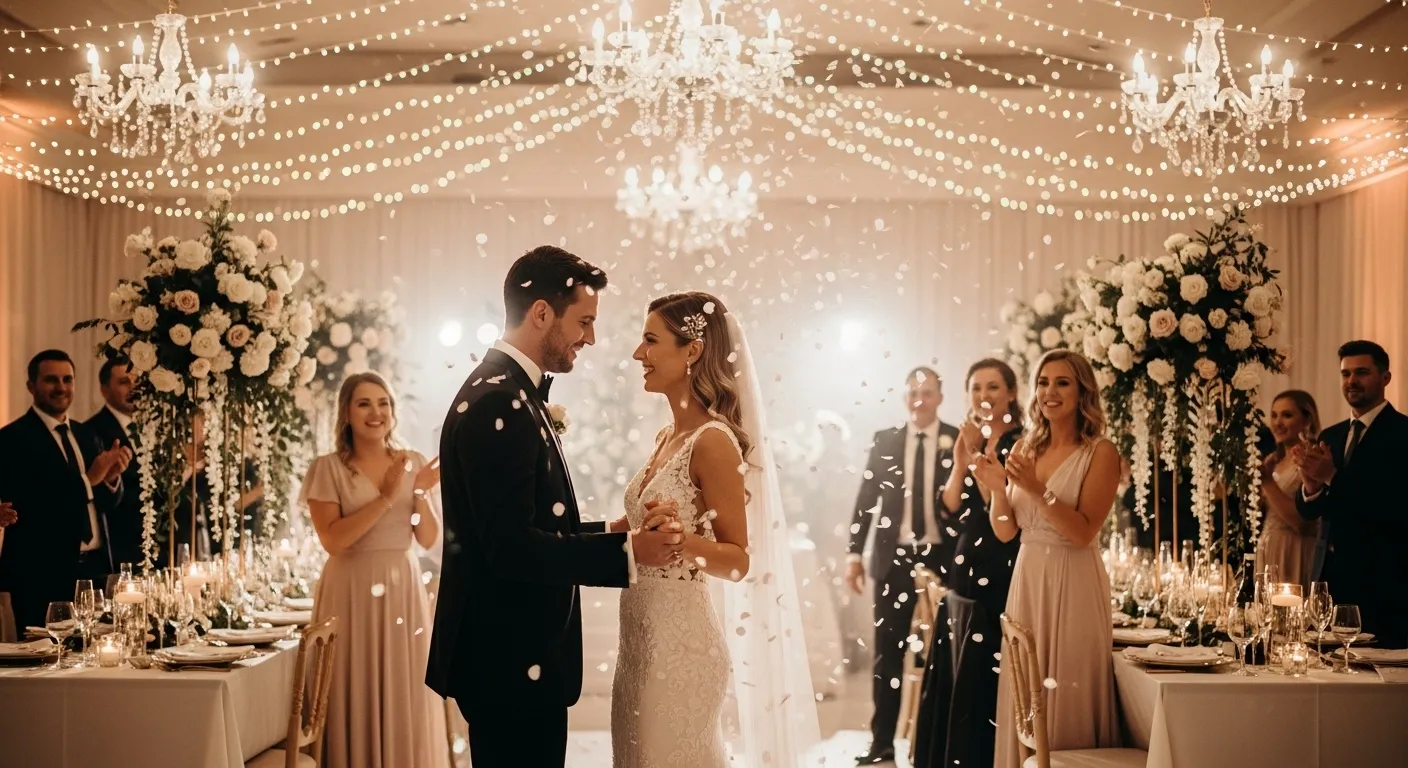
The PDF planner also includes a Guest Awards section. This page recognizes fun moments during the celebration, such as the guest who traveled the farthest or the first person to RSVP.
Ideas for guest awards:
- Longest distance traveled
- First guest to RSVP
- Best-dressed guest
- Dance floor champion
- Life of the party
Helpful suggestion: Announce the winners during the reception.
Reason it works: Awards add humor and excitement to the celebration.
Share the Love: Wedding Hashtag and Photos
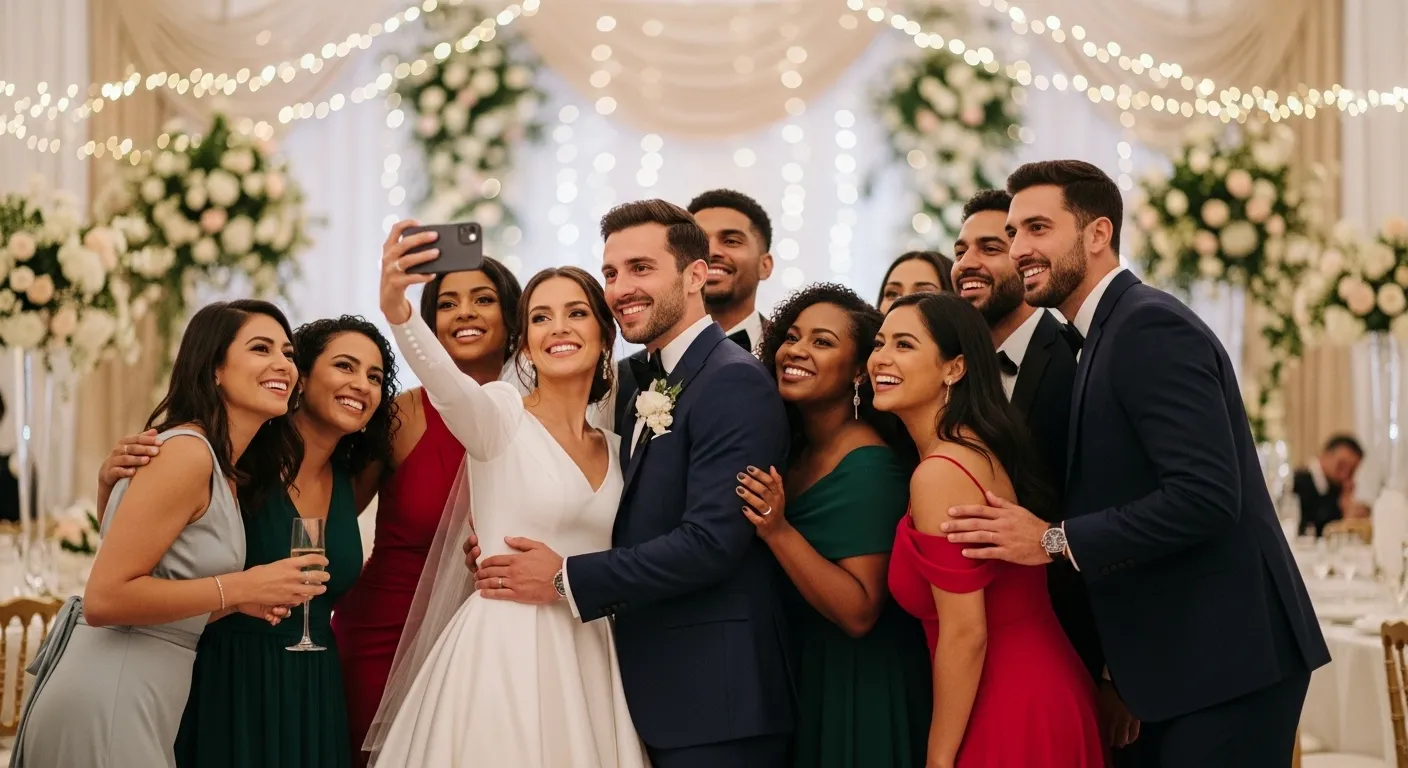
Another section encourages guests to share photos using a wedding hashtag. The planner also includes QR codes for sharing photos or contributing to the couple’s honeymoon fund.
Ways to encourage social sharing:
- Display the official wedding hashtag
- Add QR codes for photo sharing
- Encourage guests to tag the couple
- Create a shared photo album
Helpful suggestion: Print the hashtag in large text.
Reason it works: Guests help capture moments from the wedding.
A Message from the Happy Couple
The final section of the wedding newspaper is usually a heartfelt message from the couple. In the PDF planner, this note thanks guests for their support and celebrates the beginning of a new chapter.
Ideas for writing your message:
- Thank guests for attending
- Express gratitude to family and friends
- Mention the journey that led to this moment
- Share excitement for the future
Helpful suggestion: End the newspaper with a romantic photo.
Reason it works: Gratitude leaves a lasting emotional impression.
FAQs
What is a wedding newspaper?
A wedding newspaper is a printed booklet designed like a newspaper that shares the couple’s story, timeline, and wedding details.
How many pages should a wedding newspaper have?
Most wedding newspapers include 6–12 pages, depending on the amount of content.
Where should wedding newspapers be placed?
They can be placed on ceremony seats, welcome tables, or inside guest welcome bags.
Can wedding newspapers be digital?
Yes. Many couples create digital versions for wedding websites or email invitations.
Final Thoughts
A wedding newspaper is one of the most creative ways to tell your story and guide guests through your celebration. By combining storytelling, planning details, and interactive sections, couples can design a program that feels both personal and memorable.
Sections like the love story, timeline, wedding party, and fun guest activities help transform a simple program into a meaningful keepsake.
When guests open the newspaper, they aren’t just reading information—they’re experiencing the story of your relationship and celebrating the beginning of your forever.