


Wedding Website Ideas
Your wedding website is more than a link. It is your digital welcome mat. It answers guest questions before they ask. It saves you hours of texting. And it keeps everything in one simple place.
If you are planning your big day, this guide will walk you through exactly what your wedding website should include. Each section gives real ideas you can use right away.
1. Design a Clean Homepage Layout
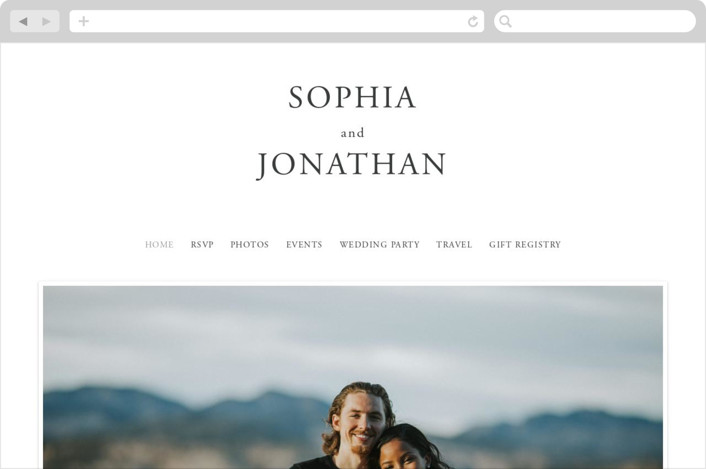
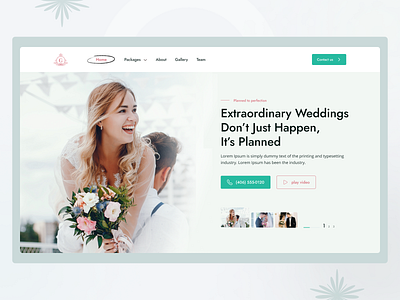


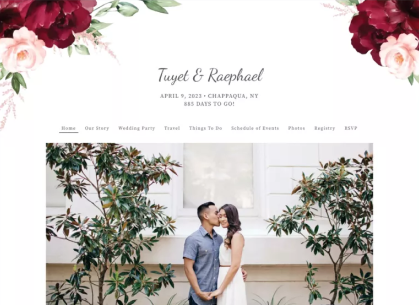
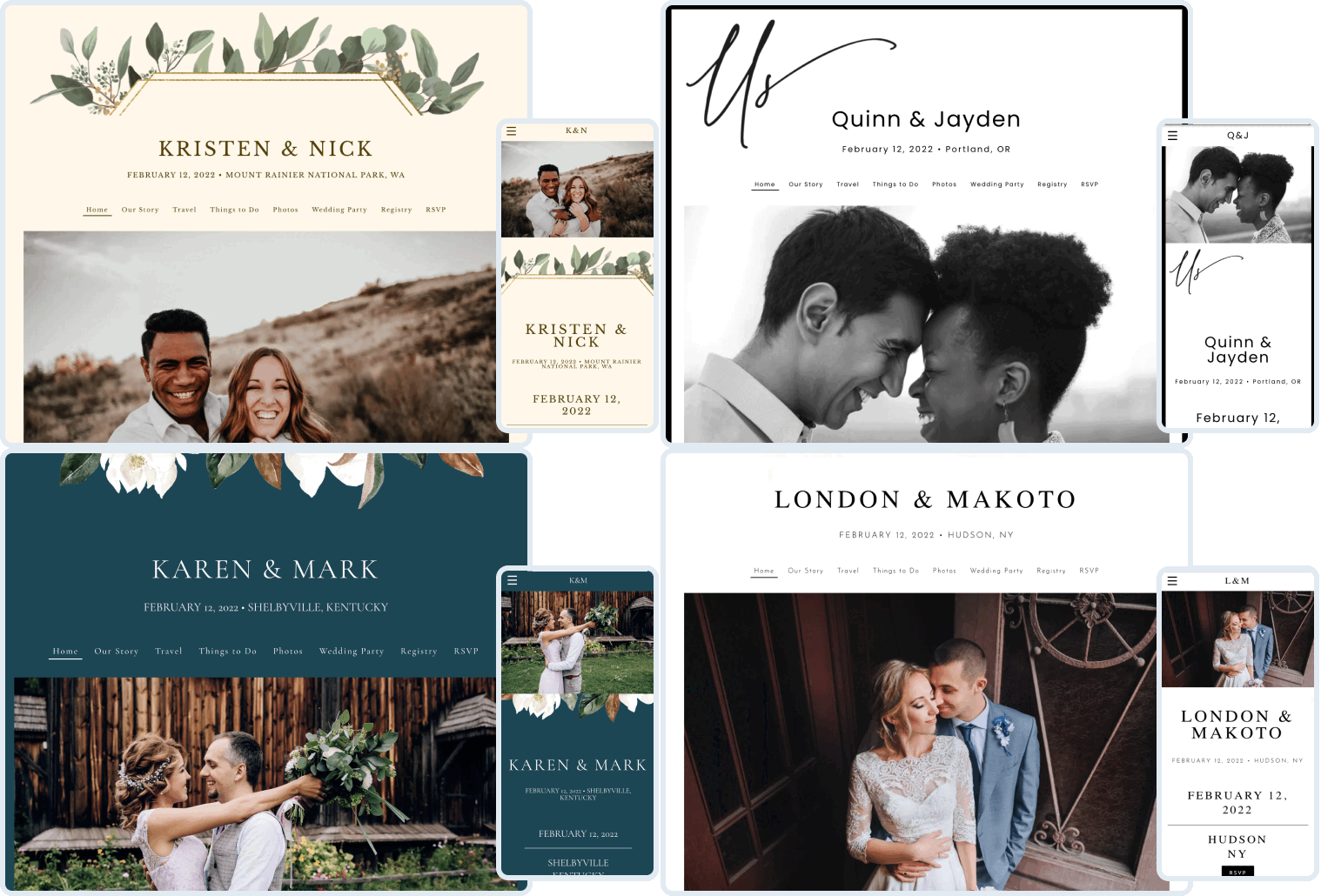
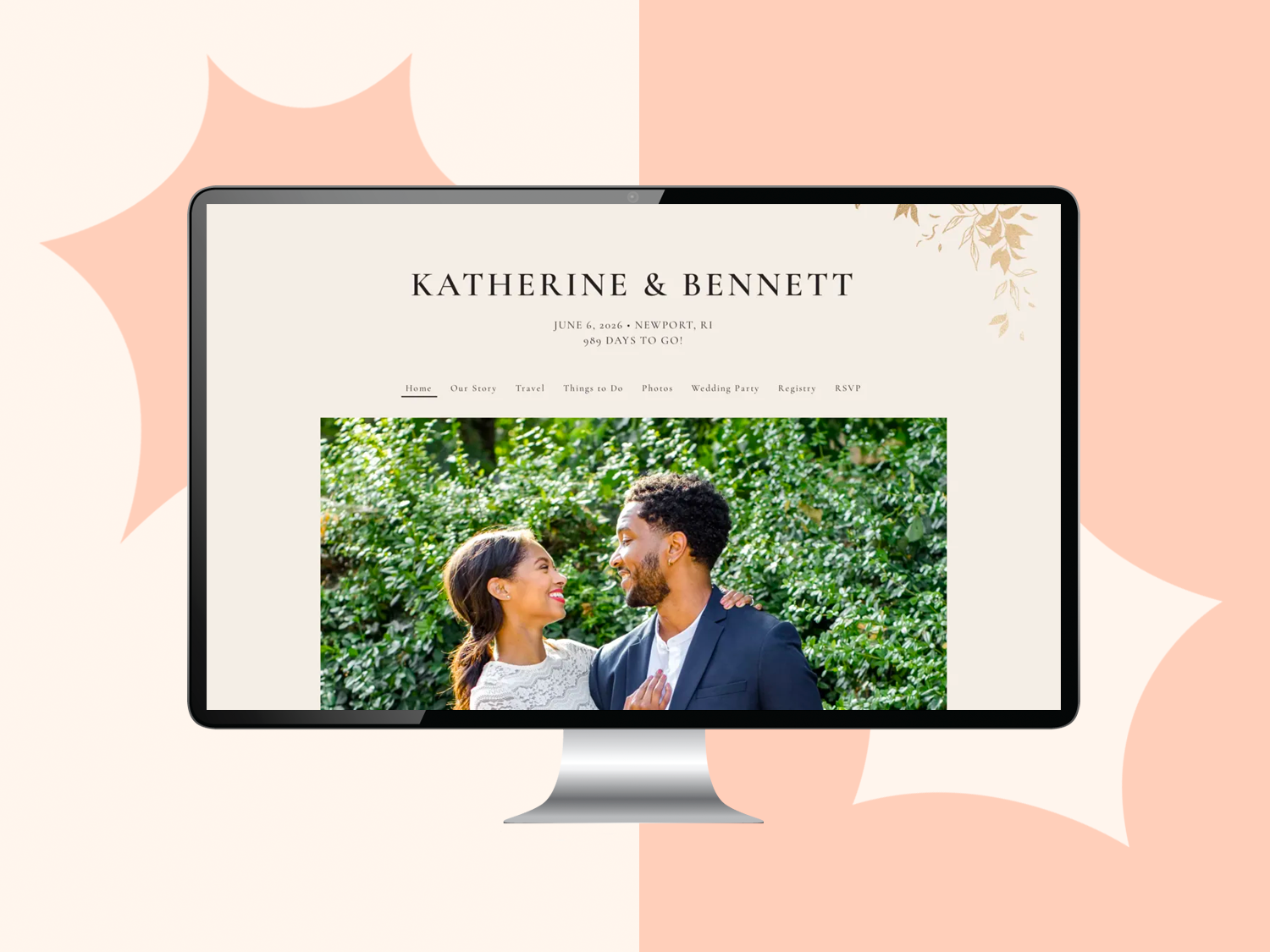
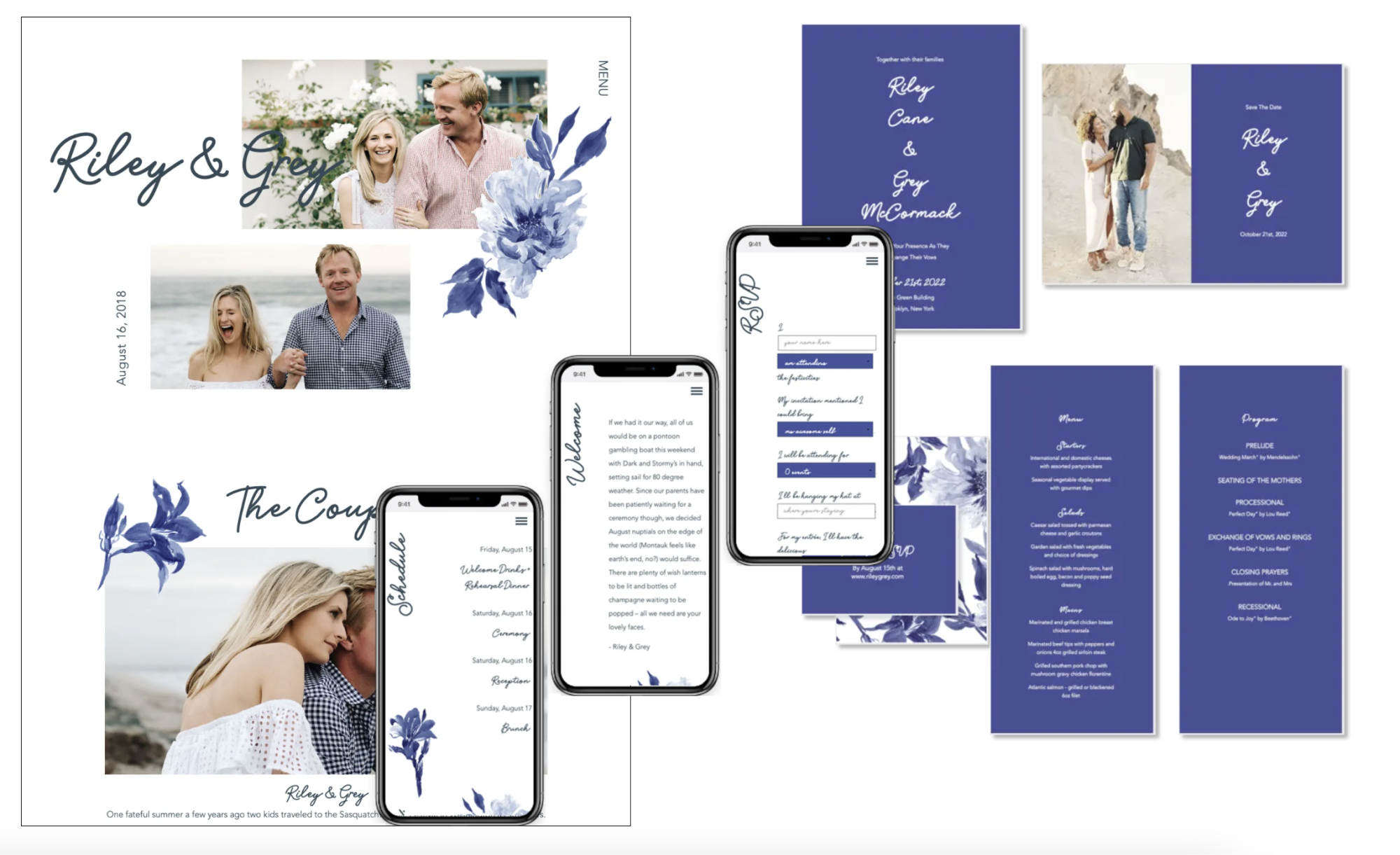
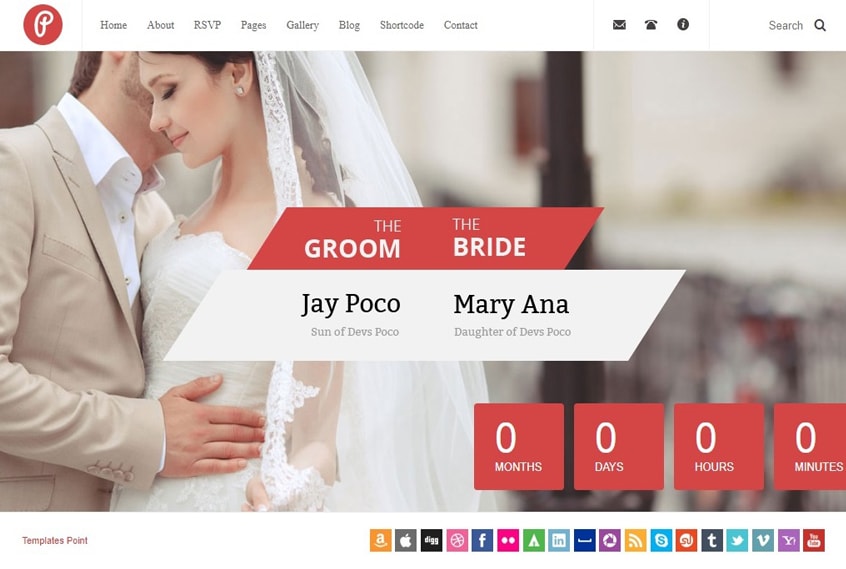
Your homepage sets the tone. Think of it like your digital invitation. Keep it calm, light, and easy to read. Use one beautiful photo of you both. Add your names, date, and location. Avoid clutter. Guests should understand everything in five seconds.
- Add a clear headline with your names and wedding date
- Use one hero photo instead of a collage
- Keep navigation simple with 5–7 menu items
- Choose two fonts only
- Add a soft color palette that matches your theme
Little insight: Use the same design style as your stationery for a cohesive feel.
The result? Guests feel organized energy right away.
2. Add an RSVP Form Section
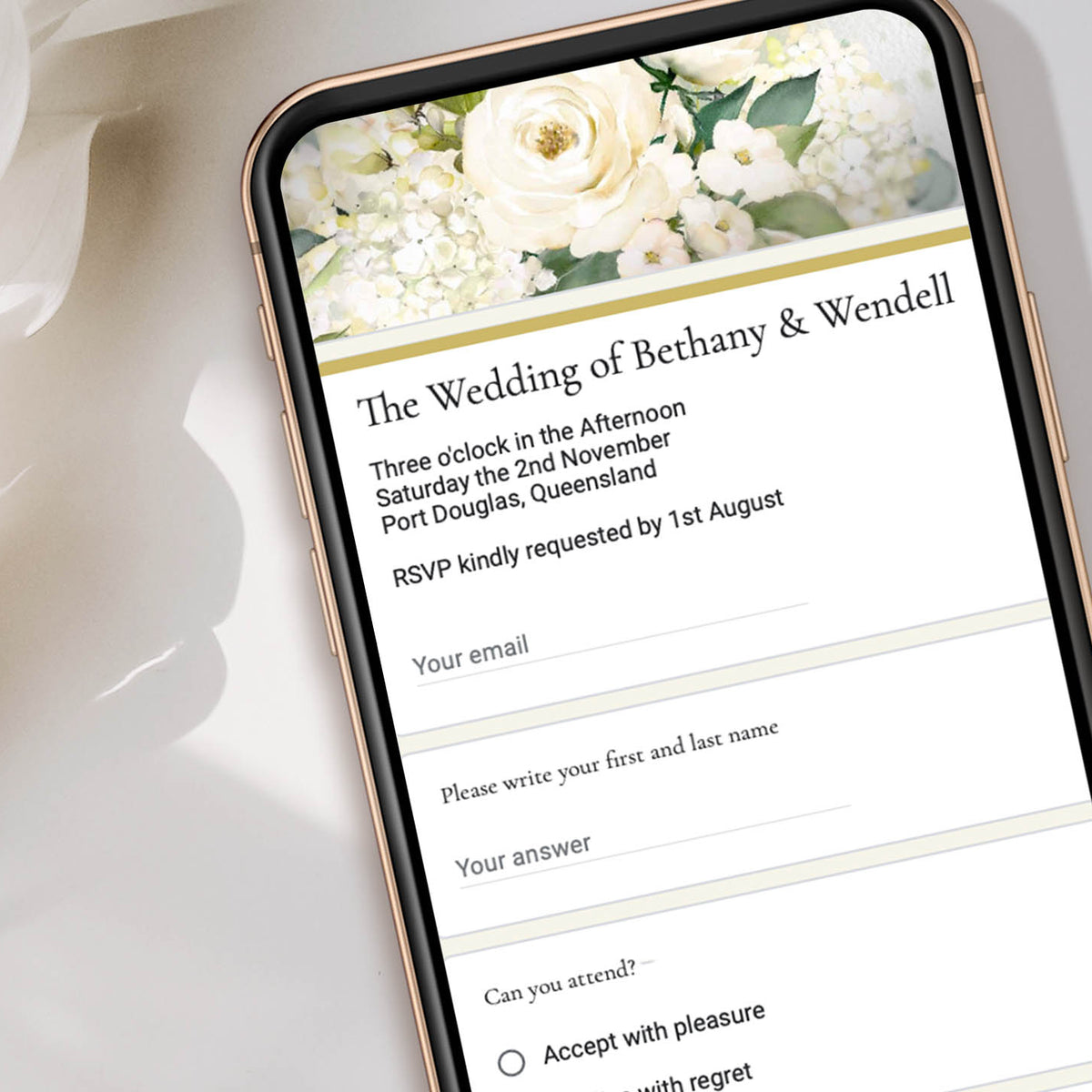
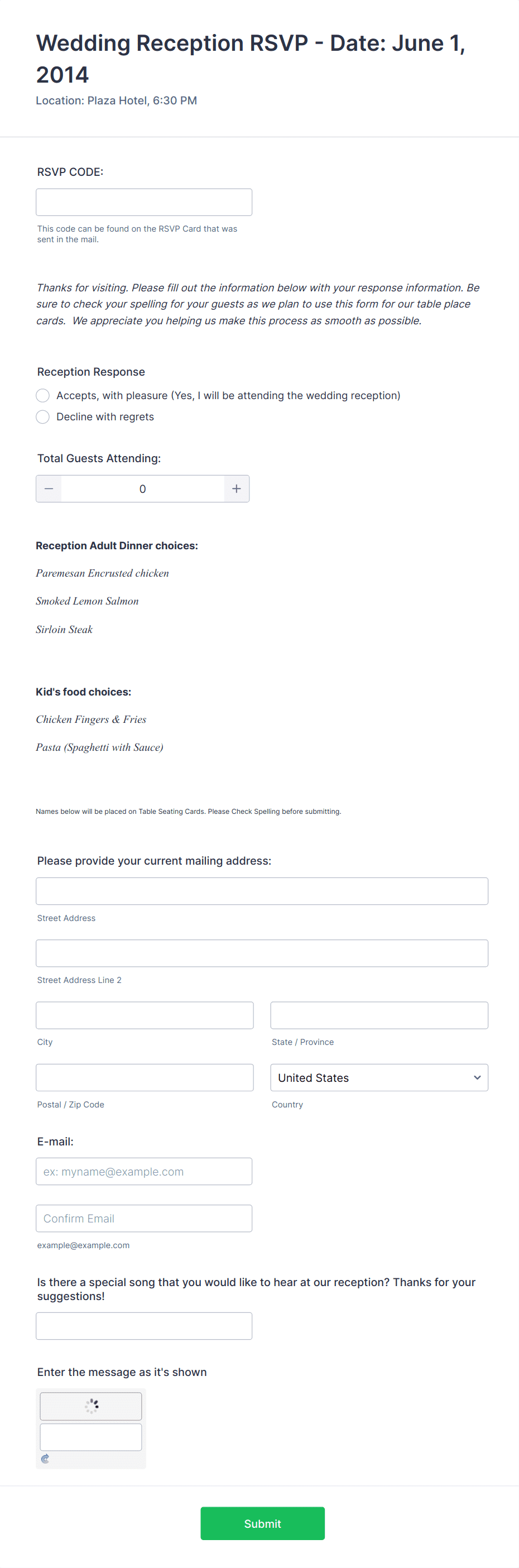
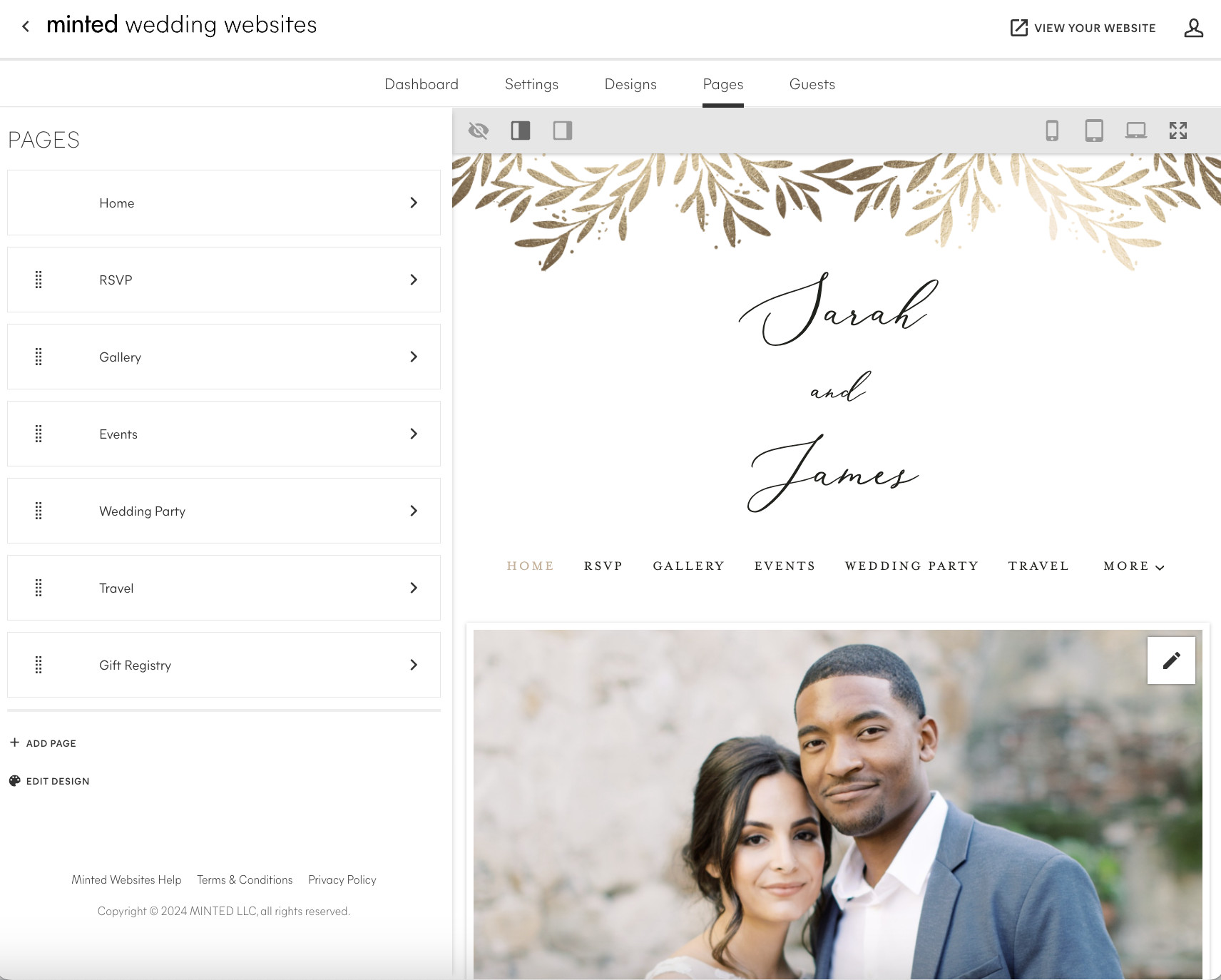

Collecting RSVPs online saves time and paper. A simple form lets guests reply in seconds. Ask only what you need. Name, attendance, meal choice. That’s it. Too many fields can overwhelm people.
- Include full name and plus-one option
- Add meal selection dropdown
- Ask for dietary restrictions
- Set an RSVP deadline
- Send automatic confirmation message
Helpful hint: Use builders like The Knot or Zola for built-in RSVP tracking.
This keeps your guest list accurate without manual follow-ups.
3. Create an Event Schedule Page
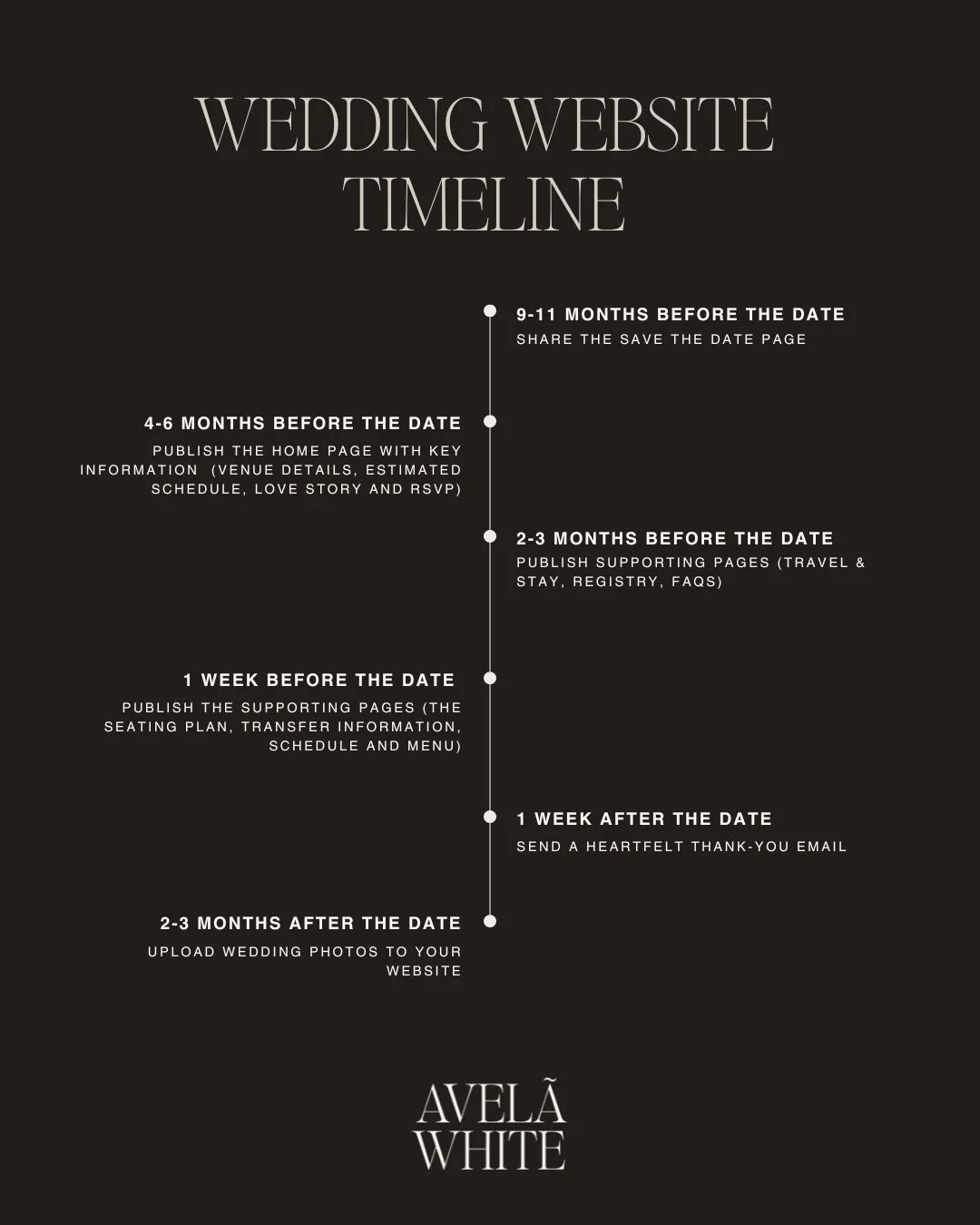
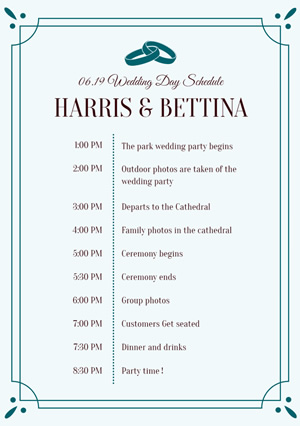


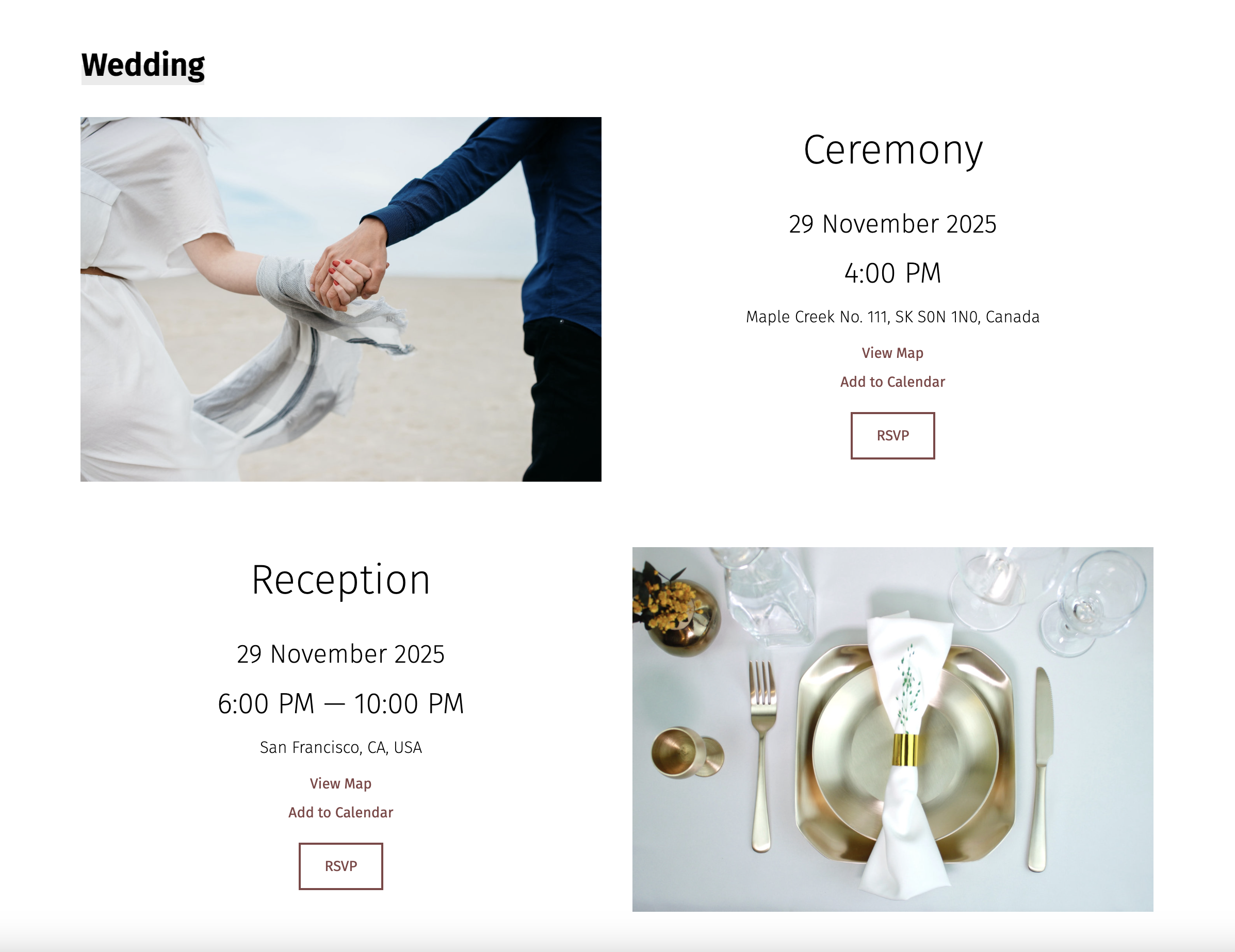
Guests love clarity. A simple schedule page avoids confusion. Break the day into sections: ceremony, cocktail hour, reception. Include start times and locations. If events span multiple days, list each separately.
- Add ceremony time and exact address
- Mention reception start time
- Include after-party details
- Highlight dress code for each event
- Add Google Map link
Quick advice: Keep timing realistic. Build in buffer time.
It reduces late arrivals and awkward pauses.
4. Upload Venue Directions Map
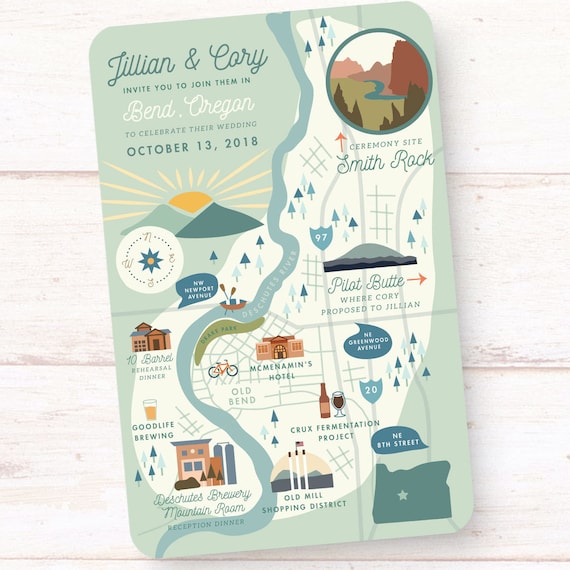


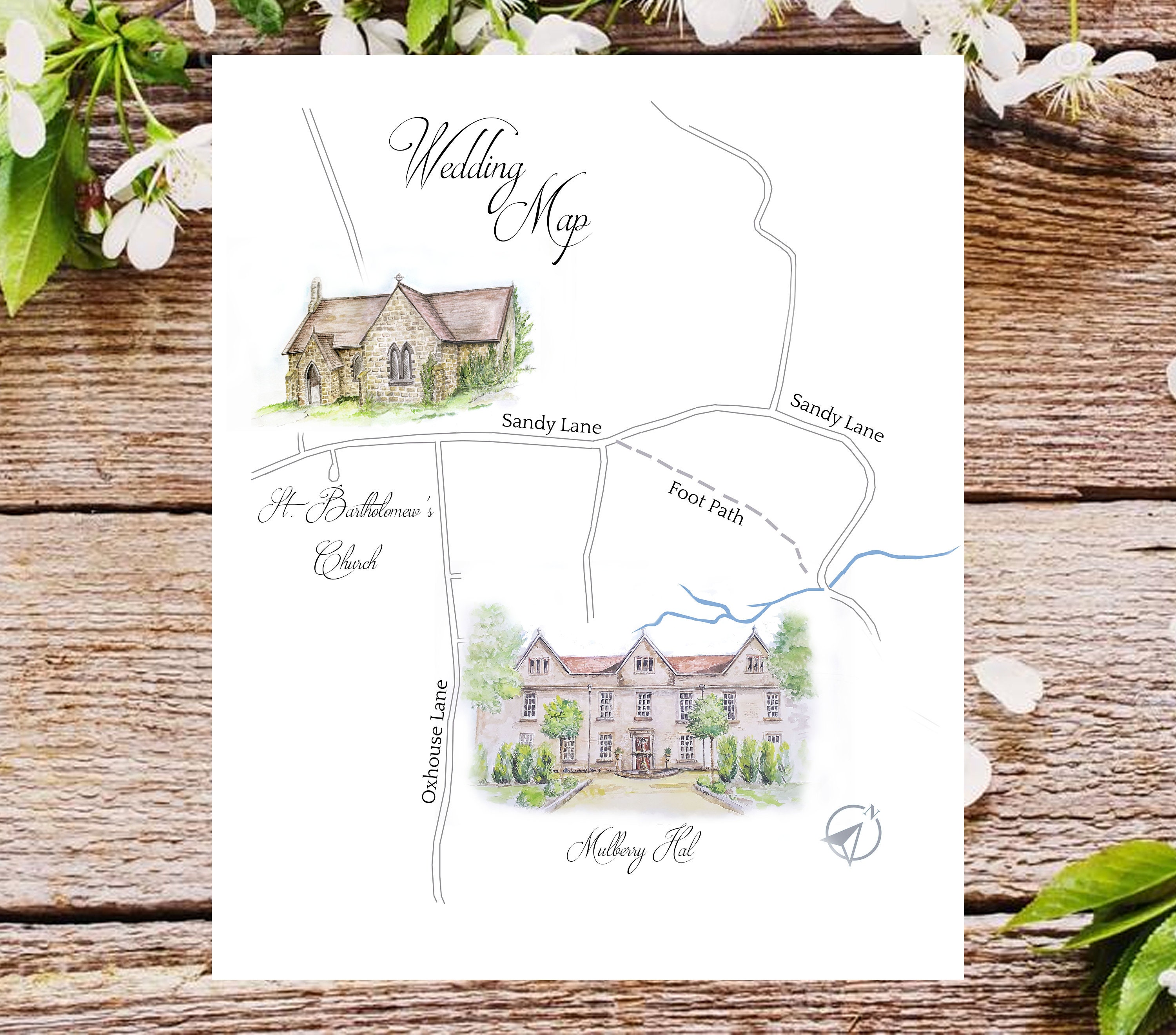
Not all guests know your venue. Embed a live map so they can click for directions. This is especially helpful for outdoor or countryside locations. Add parking details and entrance notes.
- Embed Google Maps directly
- Add parking instructions
- Mention shuttle services
- Include ride-share drop-off tips
Extra note: If the venue is remote, share a nearby landmark.
It prevents last-minute location calls.
5. Share Hotel Block Links


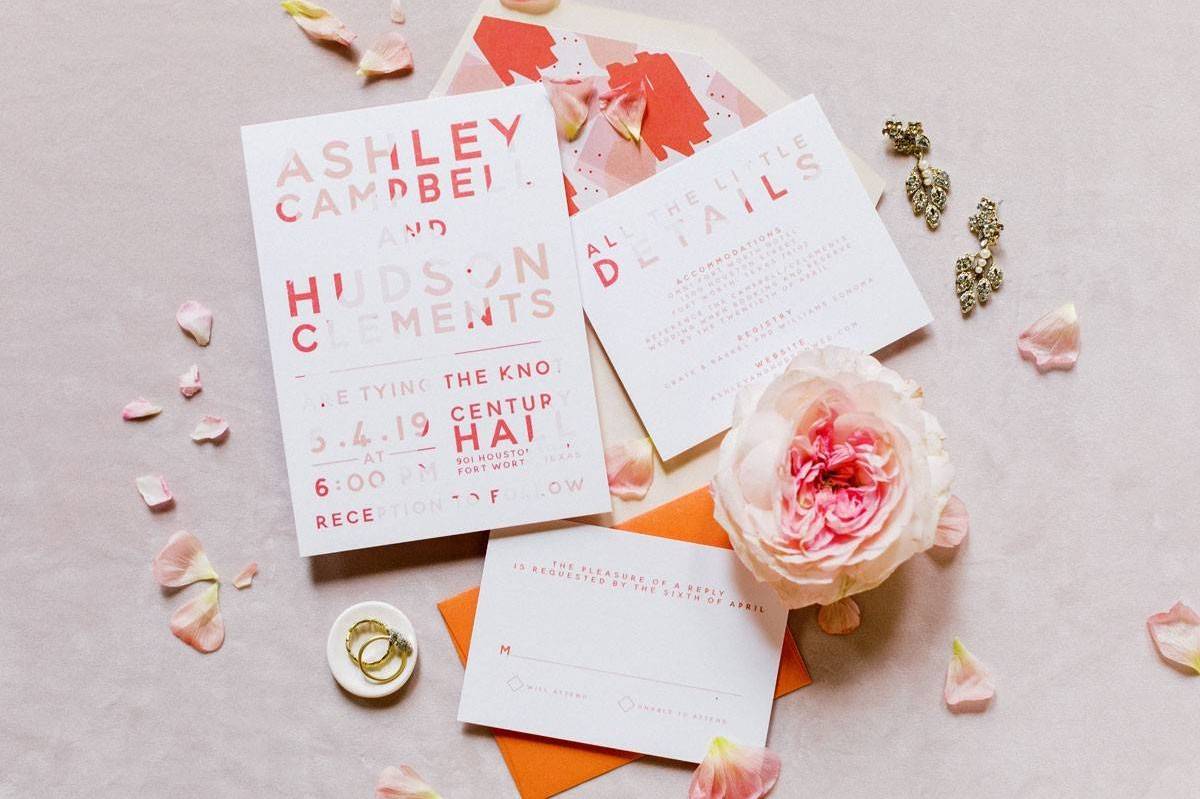
Out-of-town guests need help. Add hotel options at different price points. Include booking deadlines for discounted blocks. Make links clickable.
For deeper planning help, check our planning checklist to stay organized.
- List 2–3 nearby hotels
- Mention special group codes
- Add booking deadline
- Include distance from venue
Friendly reminder: Add airport info if many guests are flying.
Guests appreciate the convenience.
6. Post Dress Code Notes


Dress code confusion creates stress. Be specific. Instead of “formal,” explain what that means. Share outfit inspiration photos. Mention outdoor surfaces if guests will walk on grass or sand.
- Clarify attire type (black tie, semi-formal)
- Suggest color palette if desired
- Mention heel-friendly surfaces
- Add seasonal tips
Style tip: Link inspiration boards for clarity.
Clear expectations lead to confident guests.
7. Add FAQ Guest Section
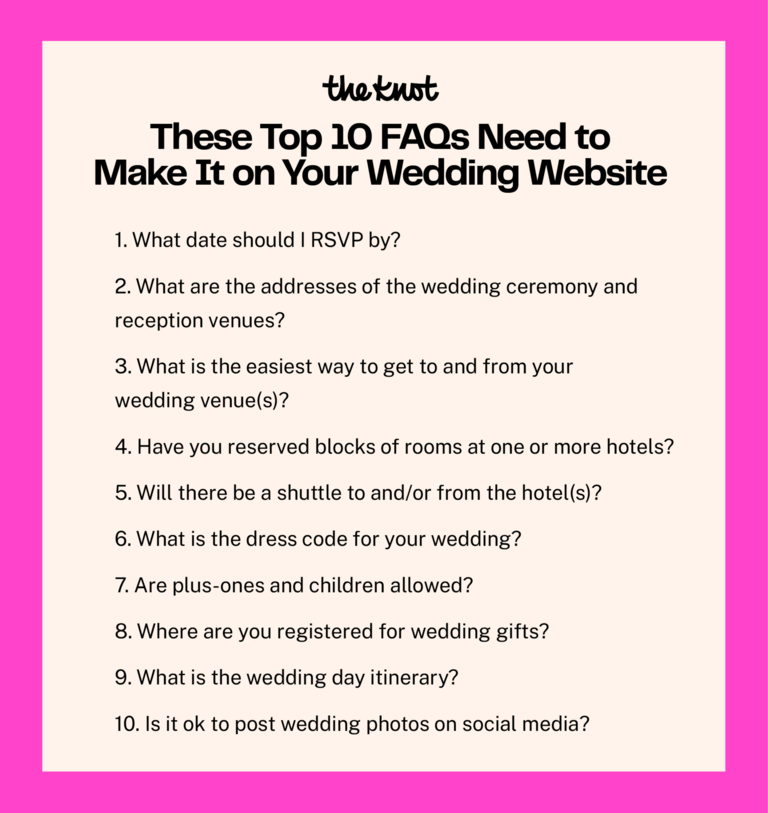
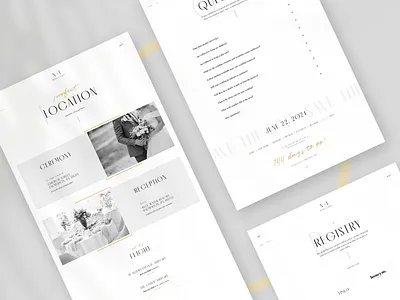
This page saves you from 50 texts. Add answers to real guest concerns. Keep it short and direct.
- Can I bring a plus one?
- Are kids invited?
- What time should I arrive?
- Is there parking?
- When is the RSVP deadline?
Planning wording help? See our guide on wedding invitation wording for matching tone.
It keeps communication smooth and stress low.
8. Embed Registry Buttons
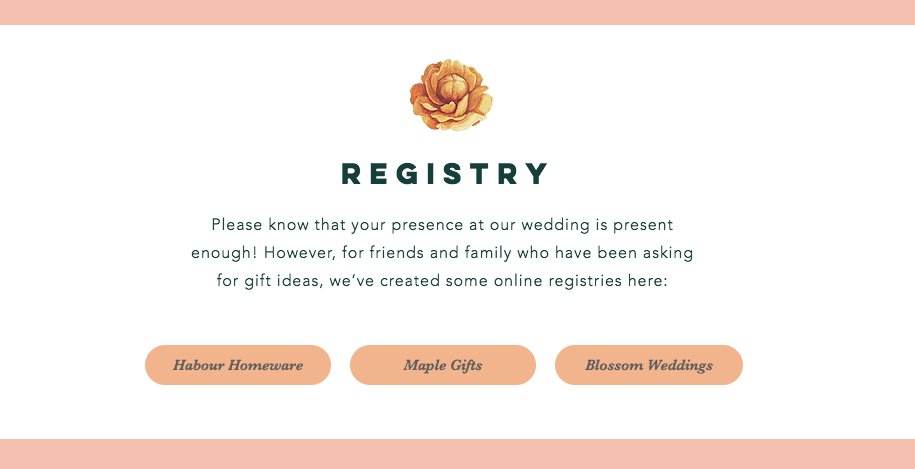
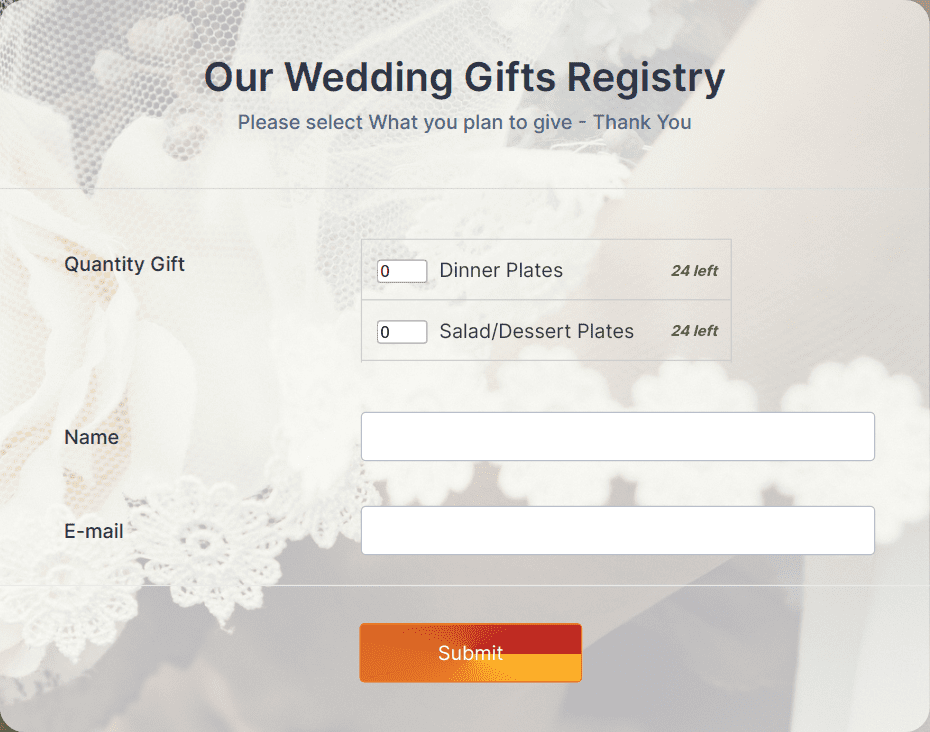
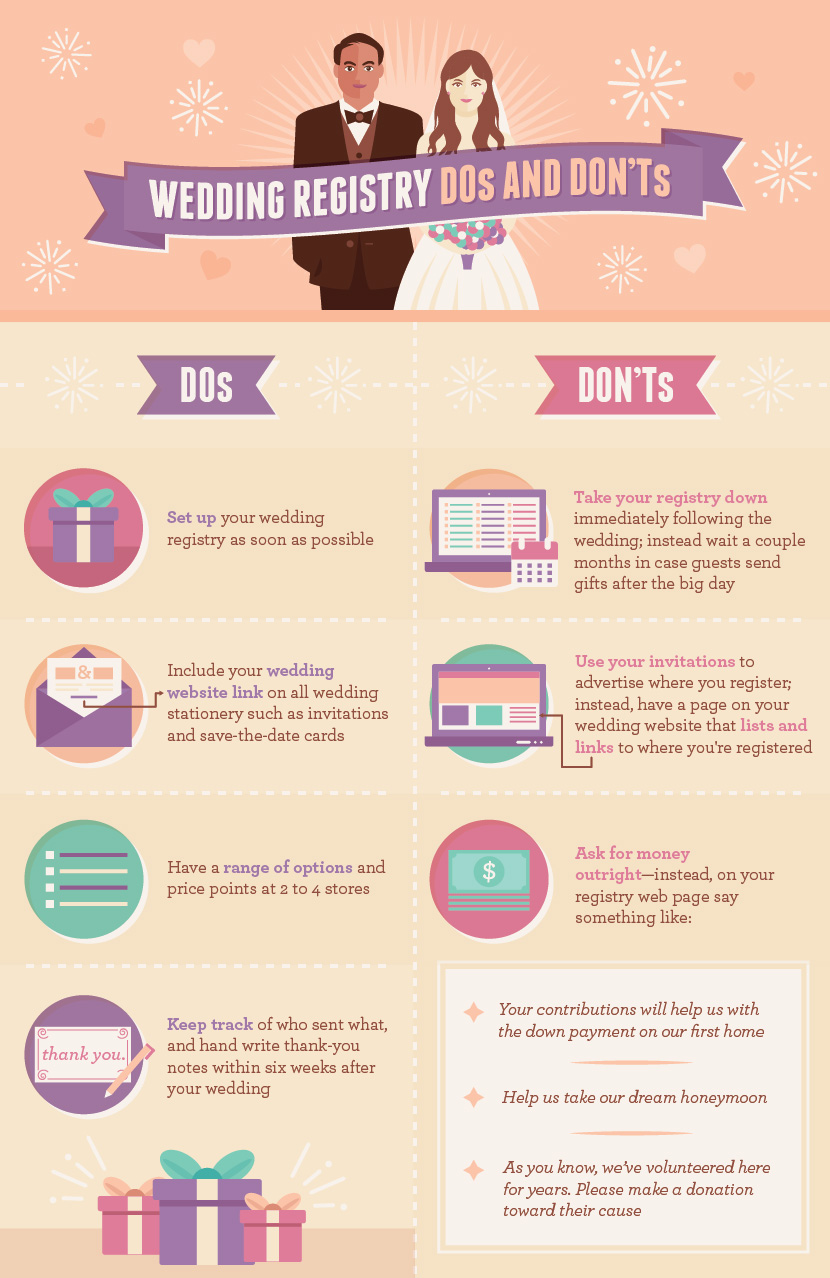
Make registry access simple. Add clear buttons linking directly to your lists. Popular platforms like Amazon and Target allow easy sharing.
- Use large clickable buttons
- Briefly thank guests for gifts
- Add honeymoon fund option
- Avoid listing items manually
Small detail: Place registry in menu and homepage footer.
Guests find it without awkward asking.
9. Show Timeline Countdown

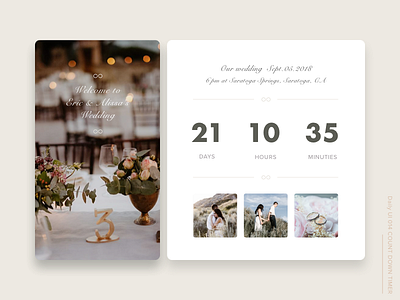
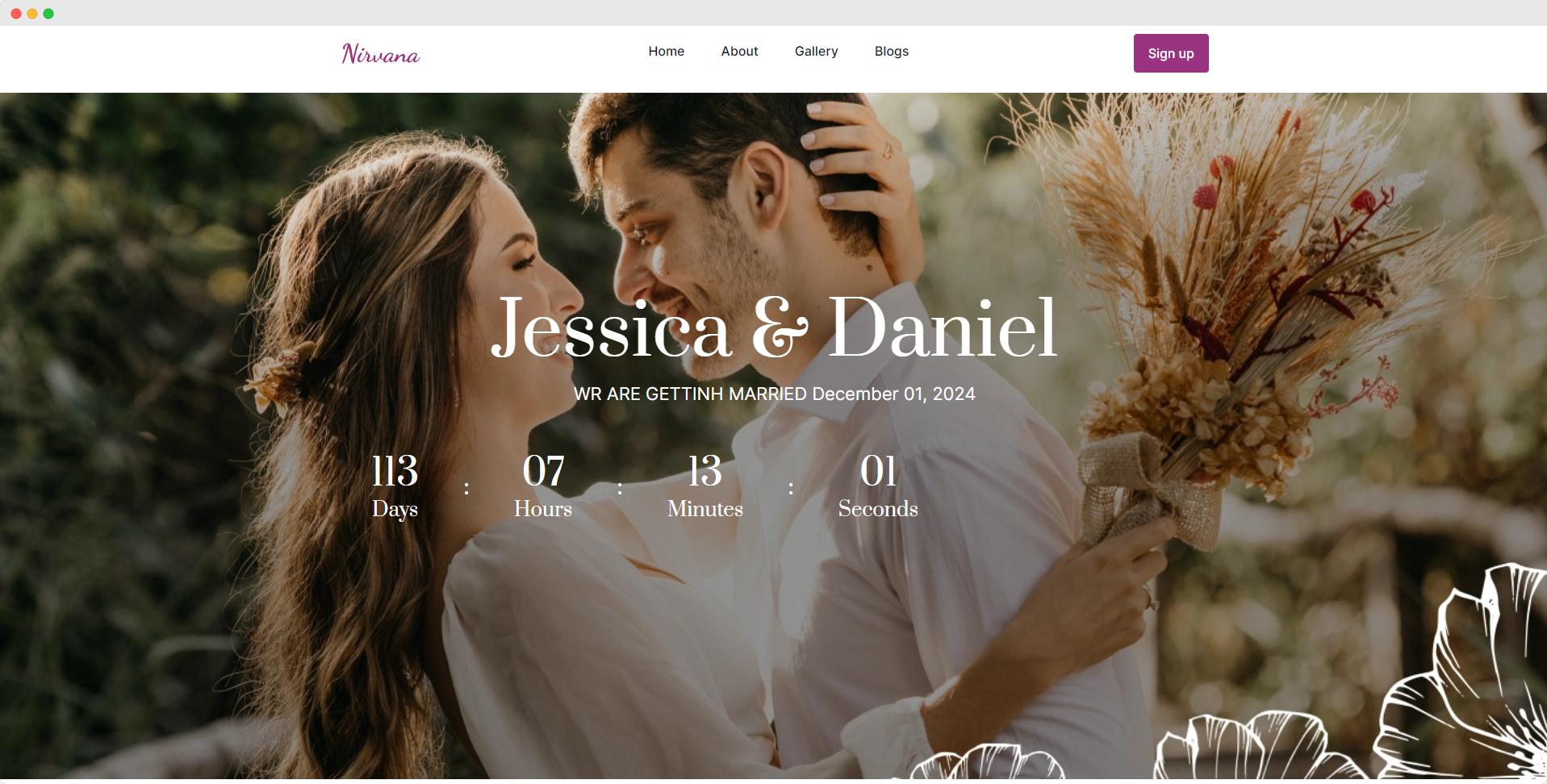

A countdown builds excitement. It keeps guests engaged. Add a live timer showing days until your big day. Keep it subtle, not flashy.
- Place under homepage hero
- Use soft animation
- Match brand colors
- Keep text readable
Helpful idea: Pair it with a “We can’t wait” message.
It builds anticipation in a sweet way.
10. Upload Couple Story Page

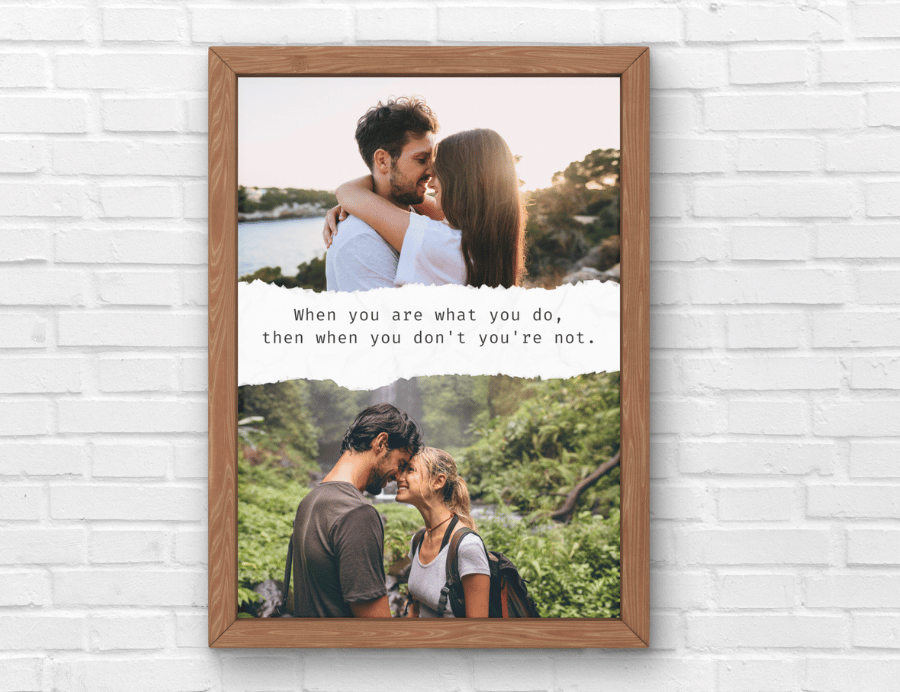

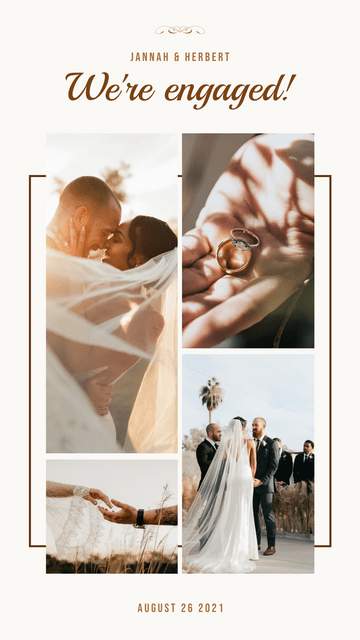
Guests love your story. Share how you met. Keep it warm and short. Add engagement photos. Write like you’re telling a friend.
- Share first meeting story
- Add proposal moment
- Include favorite memory
- Keep under 400 words
Personal touch: Add handwritten-style font for quotes.
It makes your site feel heartfelt, not corporate.
11. Add Photo Gallery Block


Photos add warmth. Create a small gallery with engagement pictures. Use high-quality images. Avoid too many. Let white space breathe.
- Upload 8–15 curated images
- Mix close-ups and wide shots
- Keep file size optimized
- Arrange in grid layout
Bonus move: Update gallery after the wedding.
It keeps guests returning to your site.
12. Link Social Hashtags
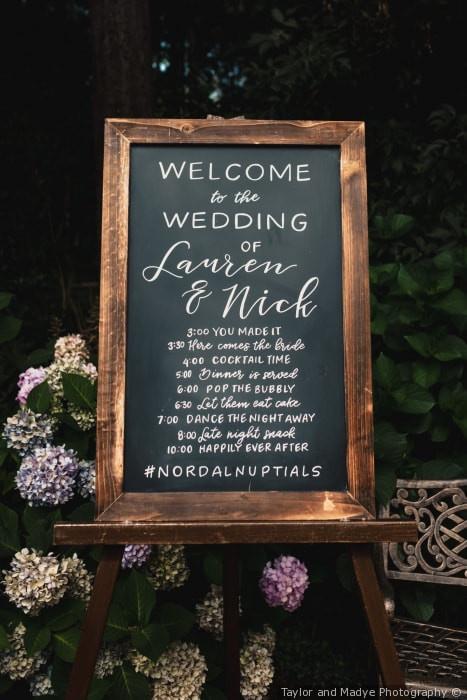
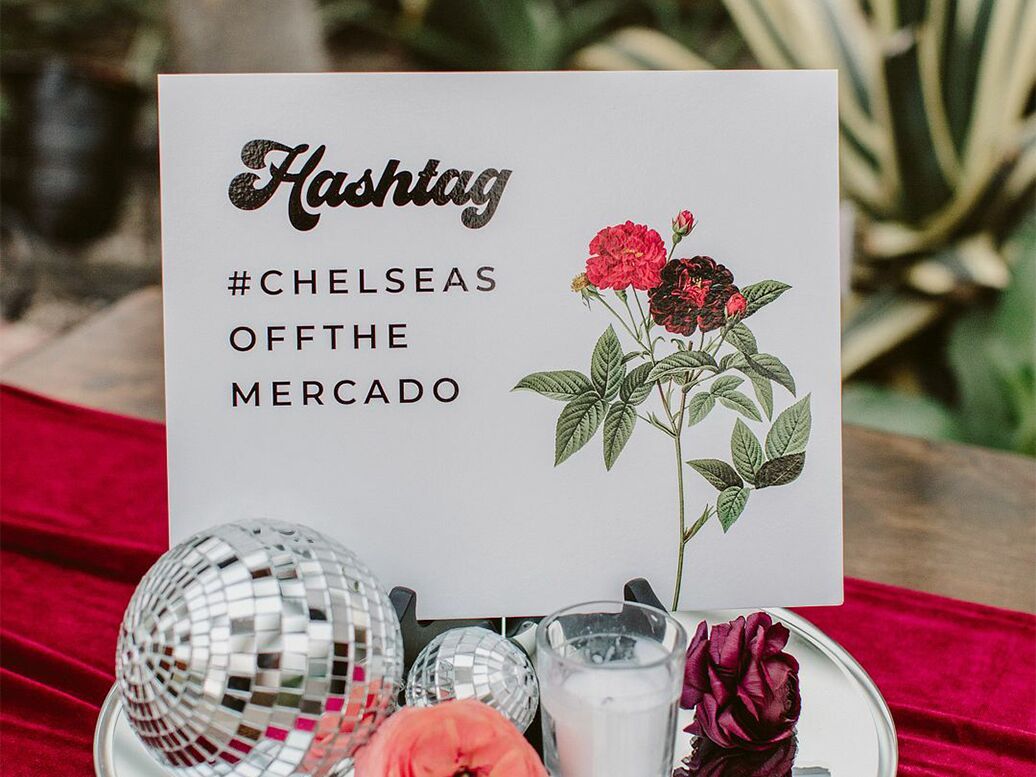

Create a unique wedding hashtag. Add it clearly on your site. Encourage guests to use it when posting.
- Display hashtag on homepage
- Add Instagram icon link
- Explain where to tag photos
- Keep it short and easy
Creative push: Test hashtag search before finalizing.
It keeps memories easy to find later.
13. Enable Guest Song Requests

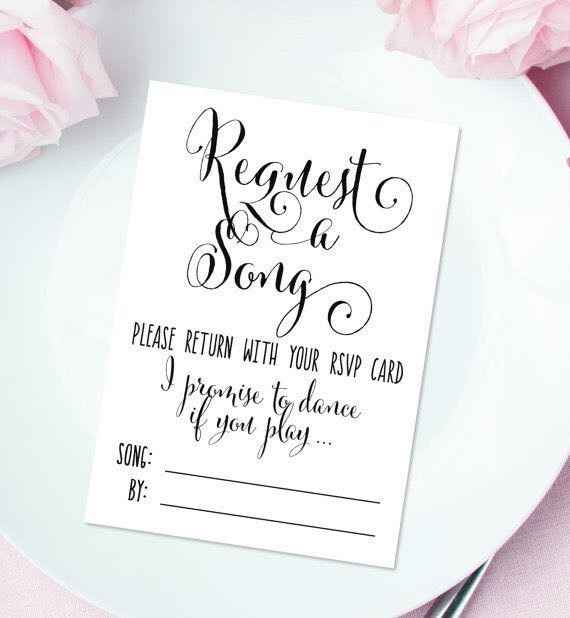
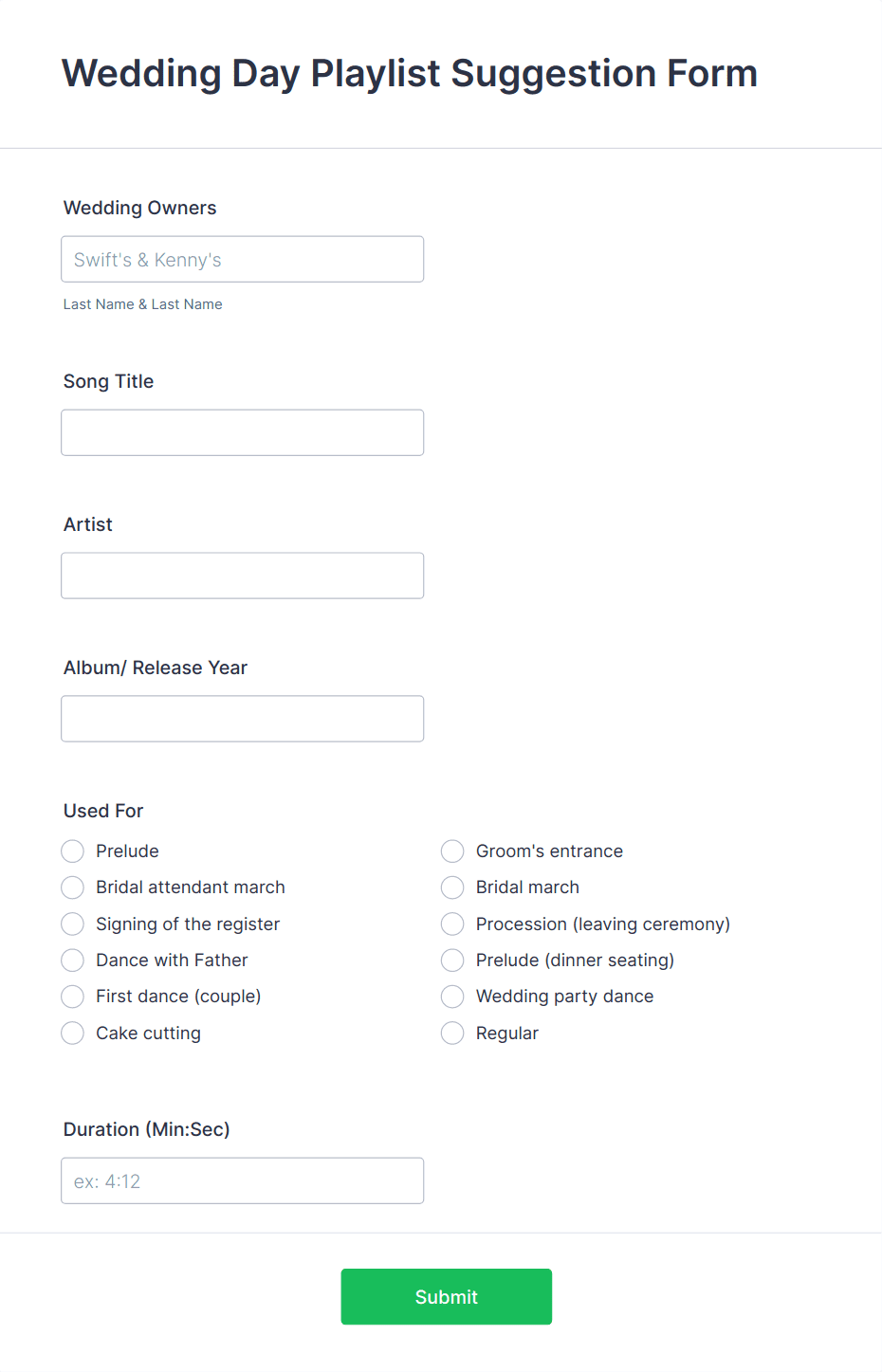
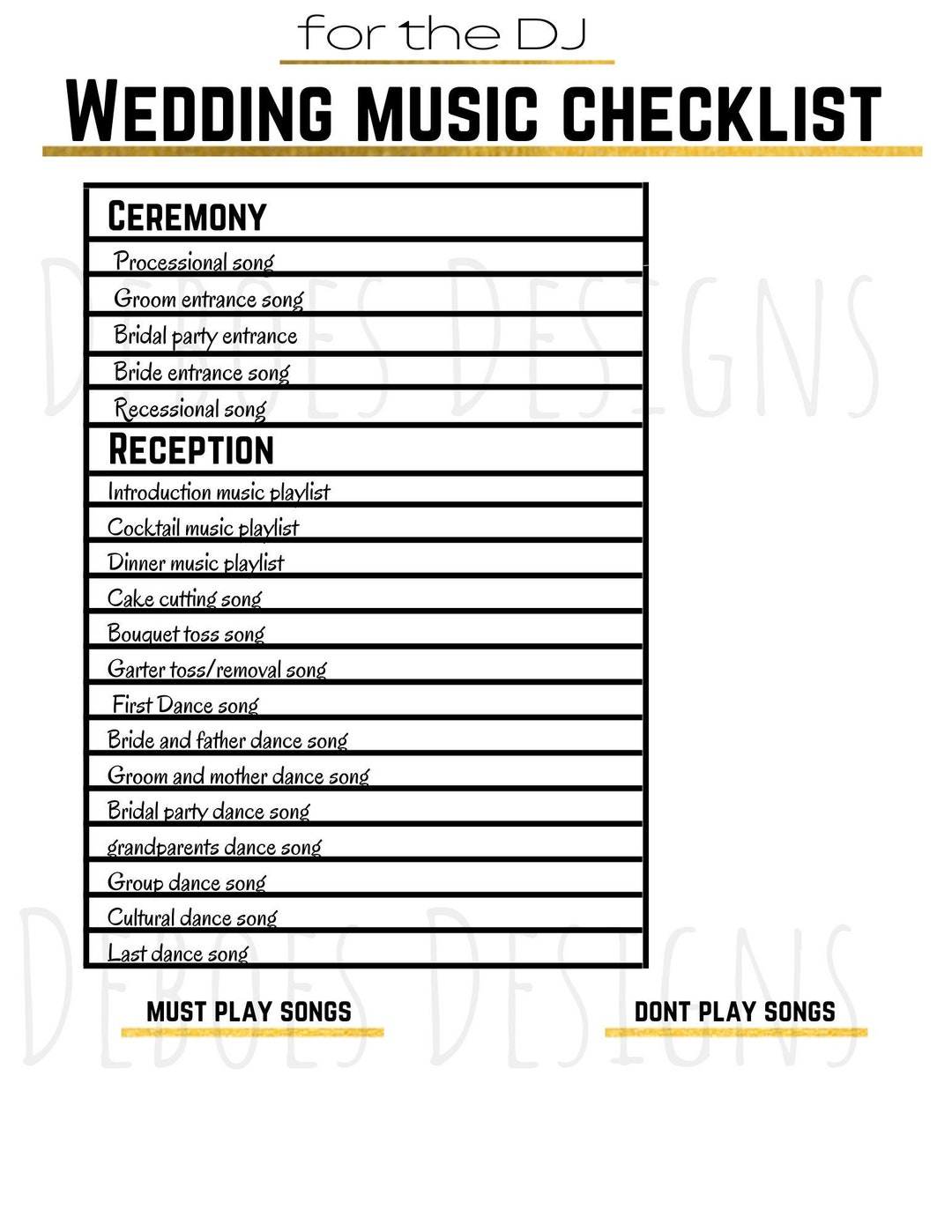
Guests love to feel included. Add a small field where they can suggest a song. It makes your reception playlist more fun.
- Add song title field
- Ask artist name
- Limit to one request
- Share deadline
Music idea: Share your first dance song teaser.
It boosts excitement before the party.
14. Launch a Mobile Friendly Site
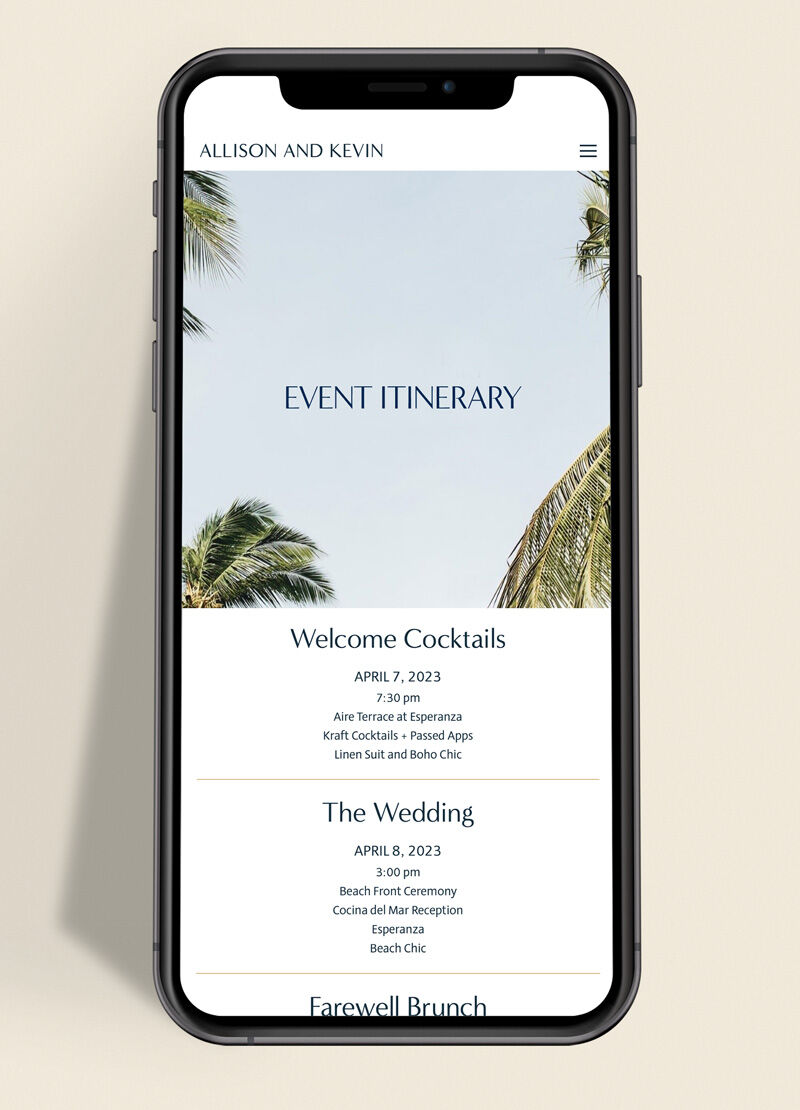
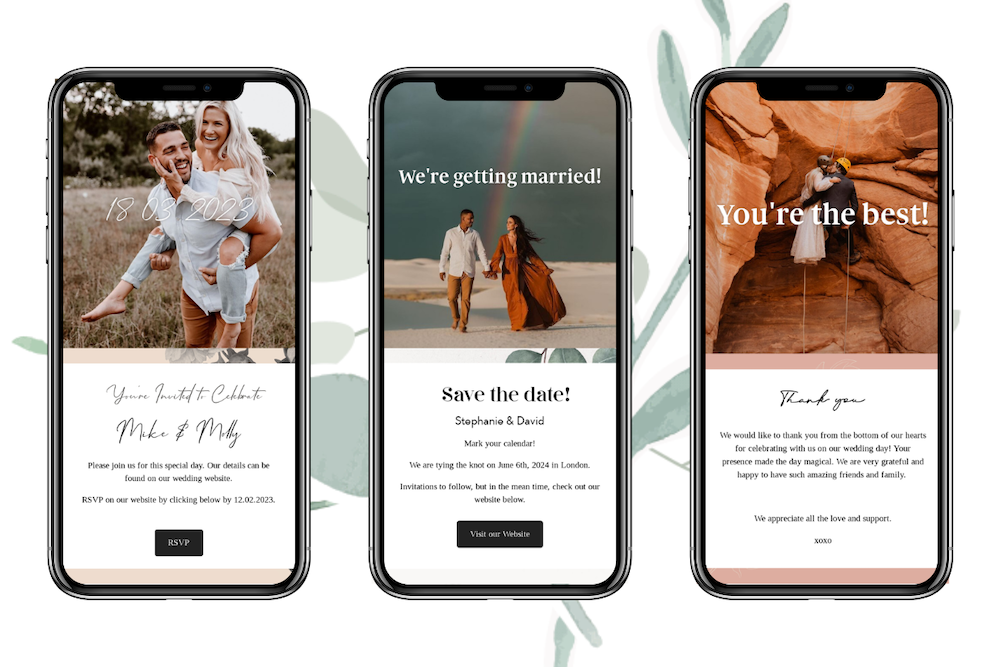
Most guests visit your site on their phone. If it’s hard to read, they leave. Test every page on mobile. Buttons should be large. Text should be simple.
For trusted website builders, explore Minted and Squarespace.
- Use responsive templates
- Keep paragraphs short
- Avoid heavy pop-ups
- Compress images
Small test: Ask a friend to check it on their phone.
Smooth browsing keeps guests engaged longer.
Small Errors That Can Disrupt Your Website
- Too many fonts
- Broken registry links
- Overcrowded homepage
- Missing RSVP deadline
- Low-quality blurry images
- Complicated navigation menu
FAQs
What should a wedding website include?
A wedding website should include your date, venue, RSVP form, schedule, registry links, hotel info, dress code, FAQ section, and your love story. These pages answer guest questions and reduce planning stress.
Are wedding websites necessary?
They are not required, but they are extremely helpful. They centralize information and reduce confusion. They also save printing costs.
How to collect RSVPs online?
Use built-in RSVP tools from platforms like Zola or The Knot. Share the link on invitations. Set a clear deadline.
Free wedding website builders?
Options include The Knot, Zola, and Minted. They offer free templates with RSVP tracking.
What pages guests need most?
Guests care most about schedule, venue directions, RSVP form, dress code, and hotel info. Make these easy to find.
Final Thoughts
Your wedding website should feel like you. Clean. Warm. Organized. It supports your full wedding planning journey and makes everything easier.
If you are just starting, visit our full guide on wedding planning for step-by-step help.
Build it once. Share it everywhere. Then enjoy the calm it brings.